
Store
Set the output language every generator writes in, and whether generators preserve existing product images by default.
The Store cluster (AI Product Tools > Settings > Store) holds two catalog-wide defaults that every generator reads unless a product overrides them.
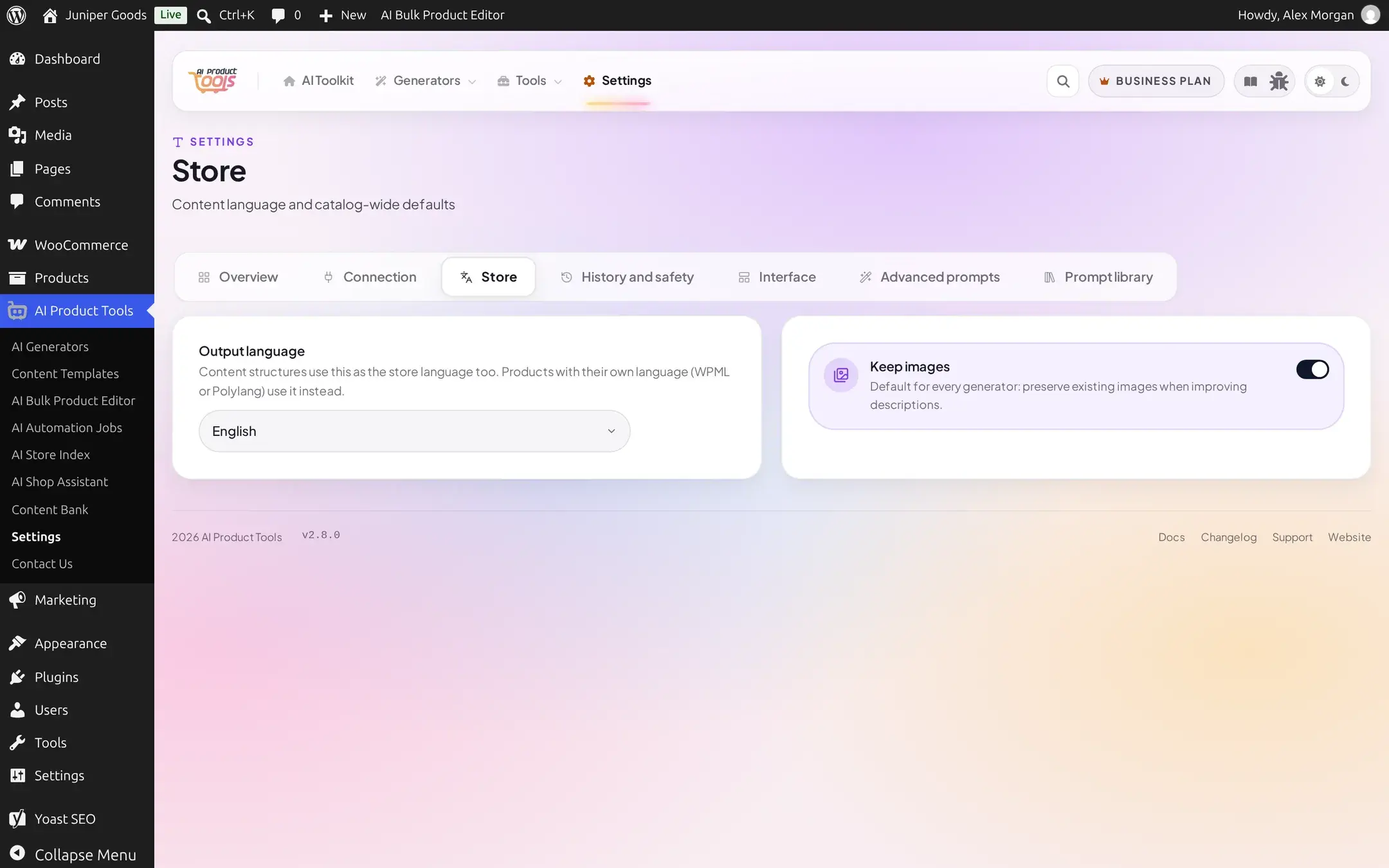
Output language
Every generator writes in this language unless a product has its own language set through WPML or Polylang, which takes priority for that one product. Content structures (see Content structures) use the same setting as their store language too.
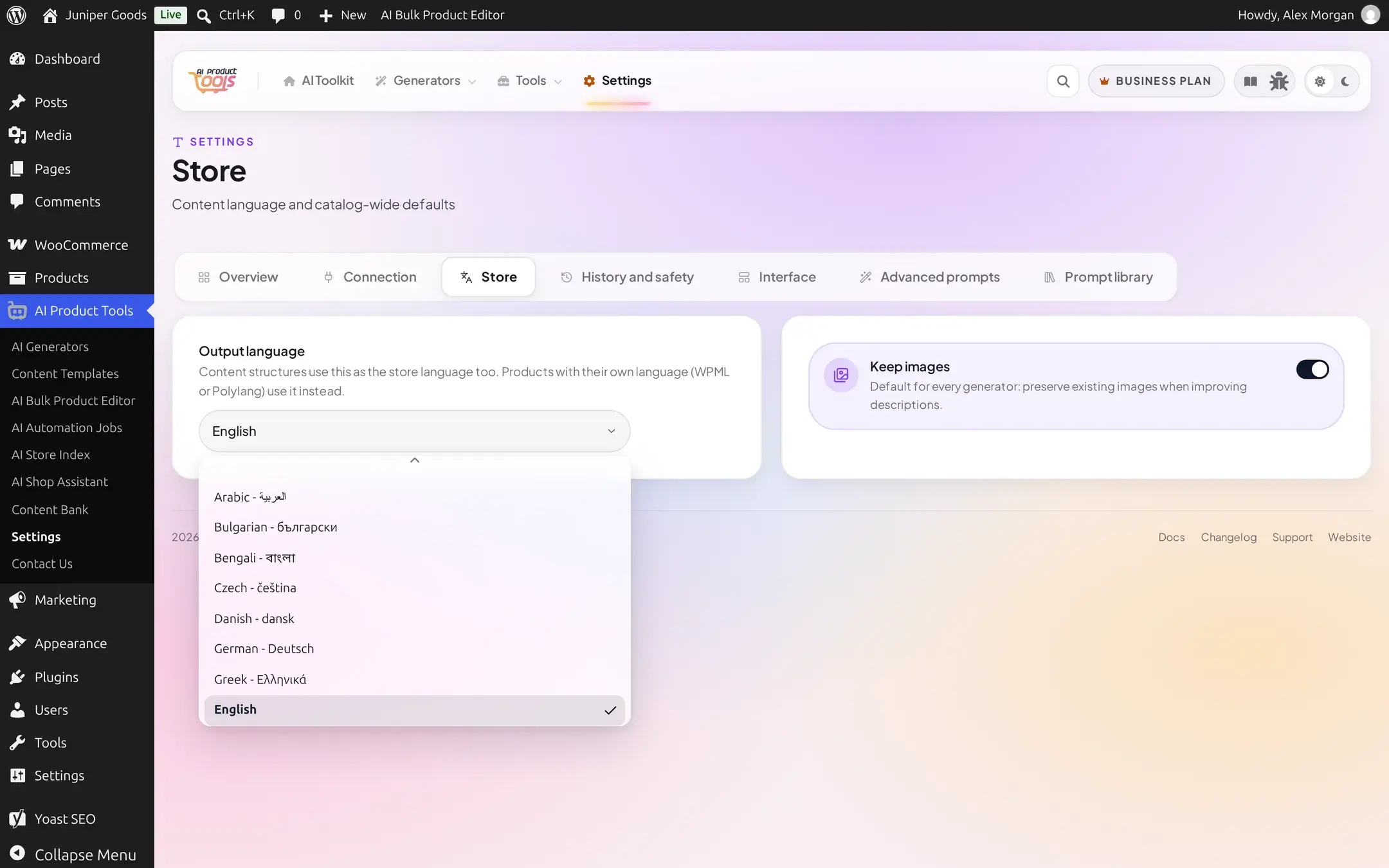
The default is English. Choosing a language not in this dropdown is impossible by design, since the server rejects any value outside its own validated list with "Invalid language selection".
Keep images
A toggle, default on, that sets the catalog-wide default for whether generators preserve a product's existing images when rewriting its description. Individual generator runs can still override this for that one run; this is only the starting default.
Reference
| Setting | What it does | Default | Plan |
|---|---|---|---|
| Output language | The language every generator writes content in, unless a product's own WPML/Polylang language overrides it | English | Free |
| Keep images | Default for every generator: preserve existing images when improving descriptions | On | Free |
Free vs Business
Both settings on this page are available on Free. There is no plan distinction here.