
Google Gemini
Create a Google Gemini API key and connect it in AI Product Tools.
Google Gemini is a fast, often inexpensive provider, and Google AI Studio hands out an API key with a free tier in under a minute, which makes it a good first provider to try.
Before you start
You need a WordPress account that can reach AI Product Tools > Settings (an administrator, or a Shop Manager who was given access, see Connection settings) and a Google account.
Create an API key on Google AI Studio
- Go to aistudio.google.com/app/apikey and sign in with a Google account.
- Click Create API key, and choose an existing Google Cloud project or let Google create one for you.
- Copy the key. Unlike some providers, Google lets you view it again later from the same page, but it is still safest to copy it now and store it only in the plugin.
Decide on billing
Google AI Studio keys start on a free tier with daily request limits. For production volume:
- Open the API key's project in Google Cloud Console.
- Link a billing account to that project to raise the free tier's limits.
- Set a budget alert under Billing > Budgets & alerts if you want a warning before spending climbs, since AI Product Tools has no spending cap of its own.
Connect the key in the plugin
- Go to AI Product Tools > Settings, open the Connection card.
- Paste the key into the Google Gemini card's field (it expects the
AIza...format). - Click Save Settings. The plugin checks the key against Google immediately.
Models
Settings groups Gemini's models into three lists in the Default model dropdown: Gemini 3 Series (3.8 Flash, 3.7 Flash, 3.6 Flash, 3.5 Flash, 3.5 Flash Lite, and more), Gemini latest aliases, and Gemma. The shipped default is Gemini 3.6 Flash, labeled "Stable default".
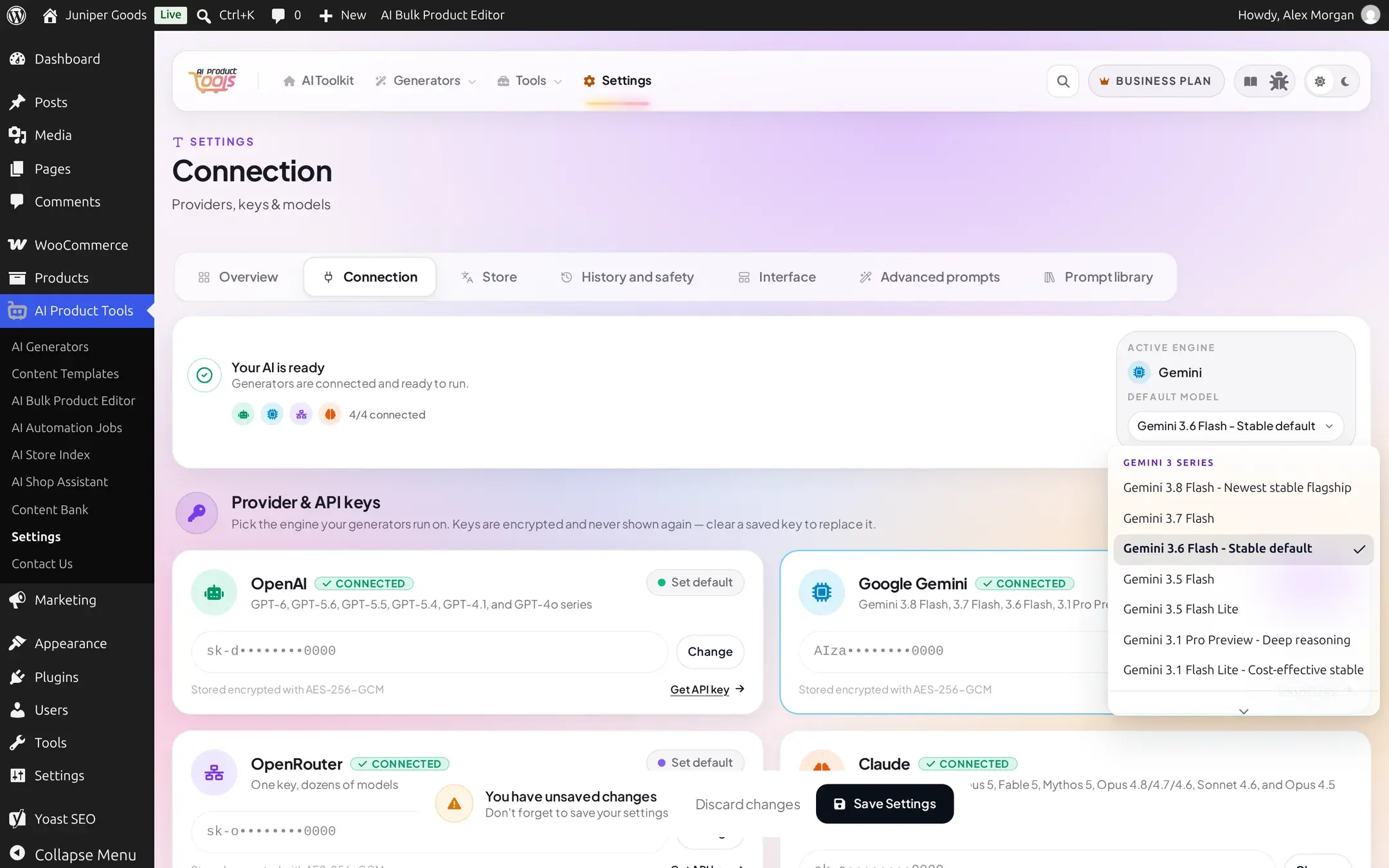
Flash models are built for high-volume, low-latency work, a good match for catalogs with hundreds of products. Reach for a Pro Preview model only where a generator's output genuinely needs deeper reasoning.
Managing your key
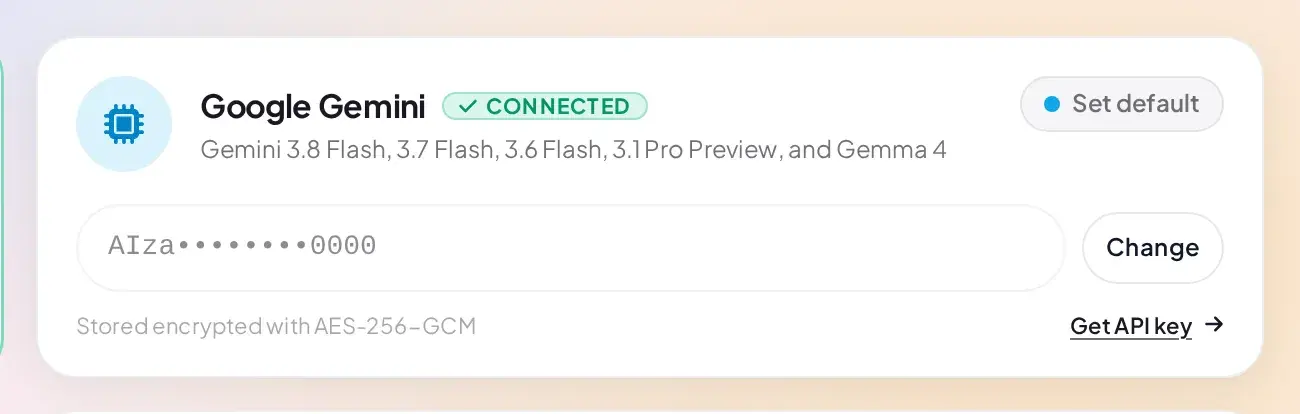
- The key field is write-once: once saved, it shows a masked preview (
AIza••••••••0000) with a Change button instead of the real value. - Click Change to replace it, then Save Settings to commit, or Cancel to restore the previous masked state.
- Leaving the field empty and saving removes the key entirely.
Free vs Business
Connecting Gemini, choosing any of its models, and switching it in and out of being your default provider are all available on Free. Nothing about this provider is Business-gated.