
User roles and permissions
Which WordPress roles can see the AI Generators page, use the generators, and open Settings, and how to let a Shop Manager configure the plugin.
AI Product Tools uses two of its own WordPress capabilities on top of your existing roles. Both plans work identically here: what a user can do depends only on their WordPress role, never on whether the site is Free or Business.
The two capabilities
| Capability | Who has it | What it unlocks |
|---|---|---|
use_aipt_tools | Administrator and Shop Manager, automatically | The top-level AI Product Tools menu icon, and the AI Generators page. |
manage_aipt_settings | Administrator, always. Shop Manager, only if an admin turns on Allow Shop Managers to manage settings | The Settings page, every onboarding and setup action, and whether the setup wizard can appear for that user at all. |
Both capabilities are granted automatically on every page load; there is no separate "assign capability" screen to visit.
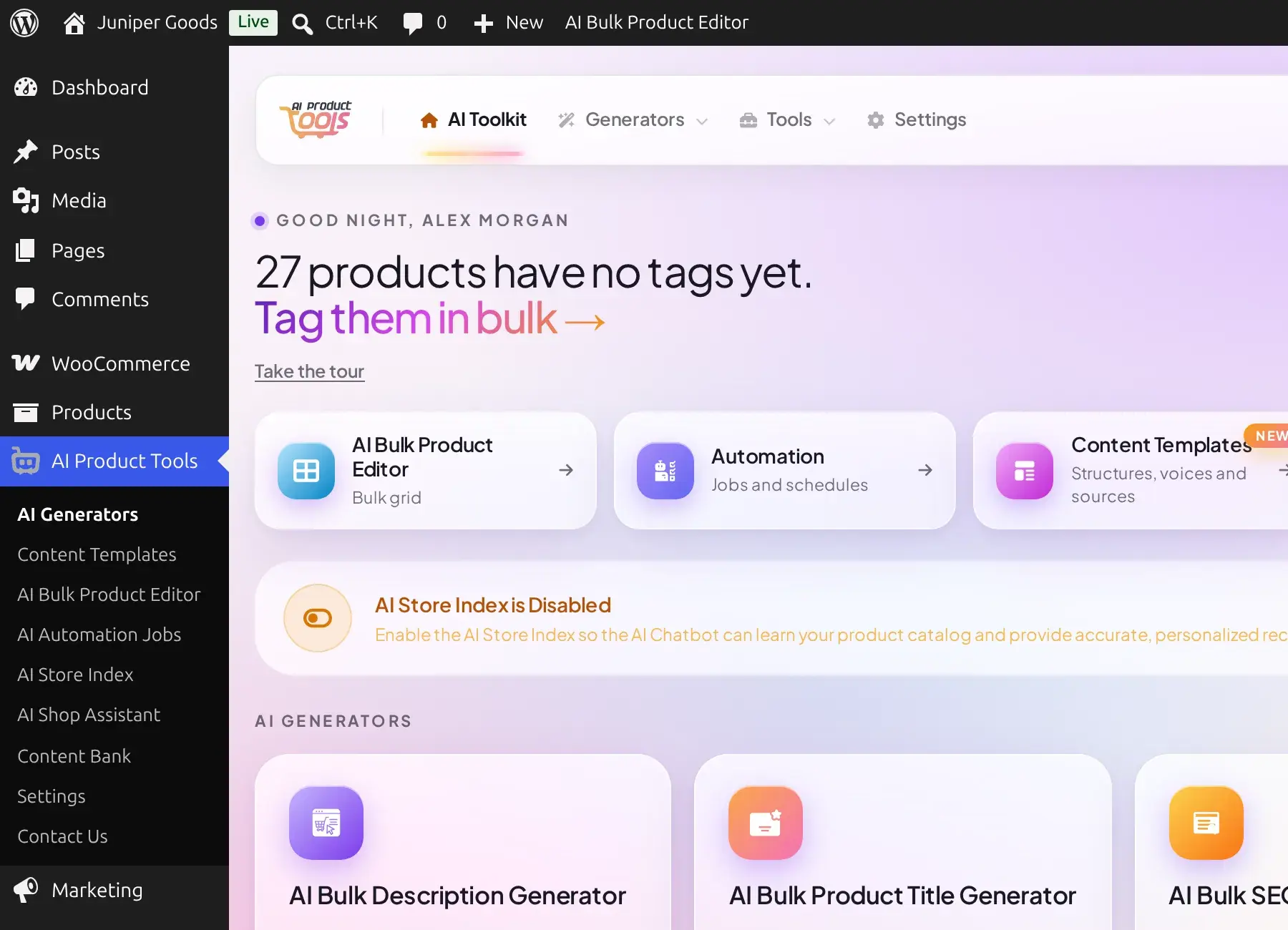
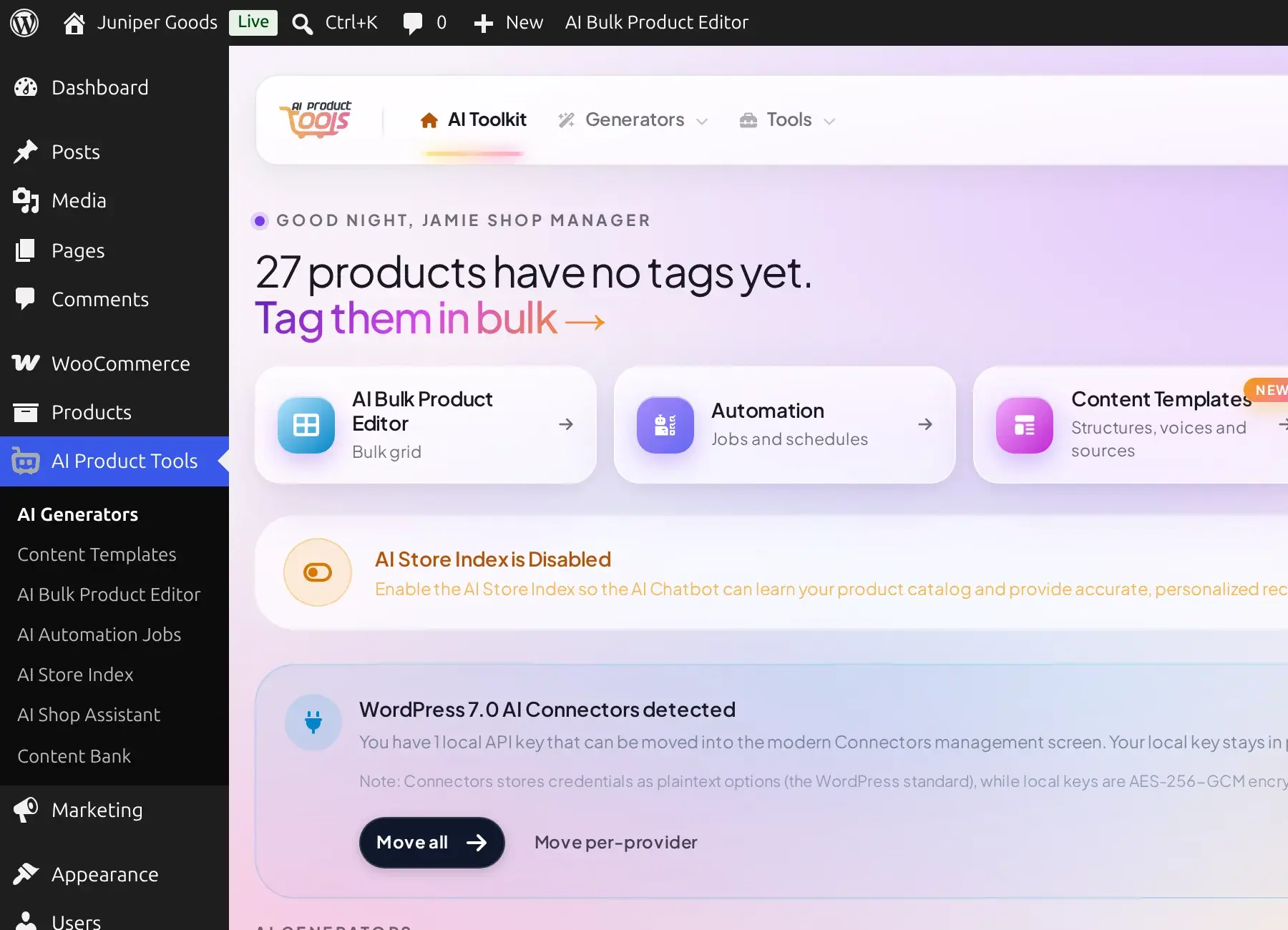
If a Shop Manager opens the Settings URL directly without that opt-in, WordPress blocks it outright:

Let a Shop Manager configure the plugin
The toggle that grants this lives on the Settings page itself: AI Product Tools > Settings > Connection > Allow Shop Managers to manage settings. See Settings: Connection for that toggle and everything else on the Connection screen.
An important nuance for custom roles
Only two things check use_aipt_tools: the top-level menu icon and the AI Generators row. Every other AI Product Tools page (Content Templates, AI Bulk Product Editor, Automation, AI Store Index, AI Shop Assistant, and Content Bank) actually checks WordPress's own manage_woocommerce capability, which the built-in Shop Manager role already carries. In practice this is invisible on the stock Shop Manager role, since it has both capabilities.
It matters the moment you build a custom role that has use_aipt_tools without also having manage_woocommerce: that user would see the top-level AI Product Tools icon and the AI Generators row, but every other row would 404 for them. If you create custom roles with a plugin like User Role Editor, give them manage_woocommerce (not just AI Product Tools's own capability) to use the rest of the plugin.
Reference
| Scenario | What happens |
|---|---|
| A brand-new Shop Manager user | Sees the AI Generators page and every generator and tool immediately; cannot open Settings until an admin opts them in. |
| Administrator | Full access everywhere, always, on both plans. |
Custom role with use_aipt_tools only | Sees the top-level menu and AI Generators; every other AI Product Tools row 404s without manage_woocommerce too. |
| Any other WordPress role (Editor, Author, Customer, and so on) | No AI Product Tools menu at all. |
| Setup wizard visibility | Only ever shown to a user who currently has manage_aipt_settings. A Shop Manager without that opt-in never sees it, even on a brand-new site. |
Free vs Business
Capabilities and roles work exactly the same on both plans. What differs by plan is which actions inside a page succeed, not who can open the page; see Free vs Business.
Troubleshooting
Free vs Business
The exact Free vs Business comparison, what a Free account sees instead of a locked feature, legacy Pro, upgrading, and what happens if you downgrade.
AI providers
AI Product Tools is bring-your-own-key. Compare OpenAI, Google Gemini, Anthropic Claude and OpenRouter, pick a model, and understand what you pay.