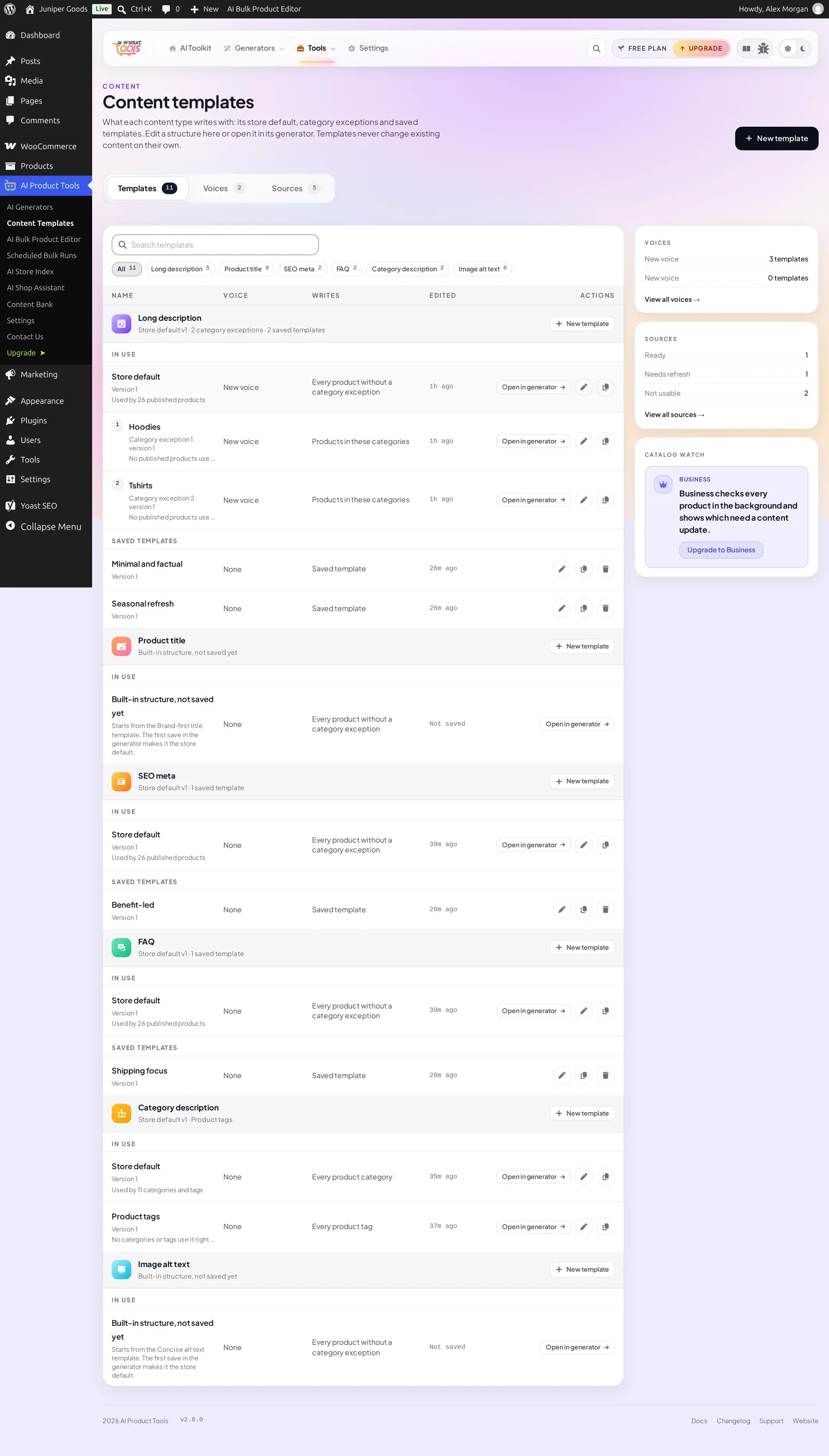
Catalog Watch
A daily, AI-free background check of every published product against its structure, so you know what needs a fresh generation.
Business Catalog watch runs the same free, AI-free structure check used by the pre-flight on tab 2, automatically, across every published product in the background. It never calls an AI provider and never writes product content: it only tells you what is worth regenerating, and where.
Before you start
- A Business plan.
- A settings manager (
manage_aipt_settings) to turn the switch on or off, or to trigger a check.
Turning it on
Open Content Templates
Go to AI Product Tools > Content Templates. The Catalog watch card sits in the right rail of the library.
Switch it on
Toggle Check every product in the background. It is off by default, even on Business, until a settings manager switches it on.
Run the first check
Click Check now to run immediately instead of waiting for the daily schedule.
Reading the results
Once a check has finished, the card shows Last checked, Products checked, and Need an update, broken down by content type, with a link.
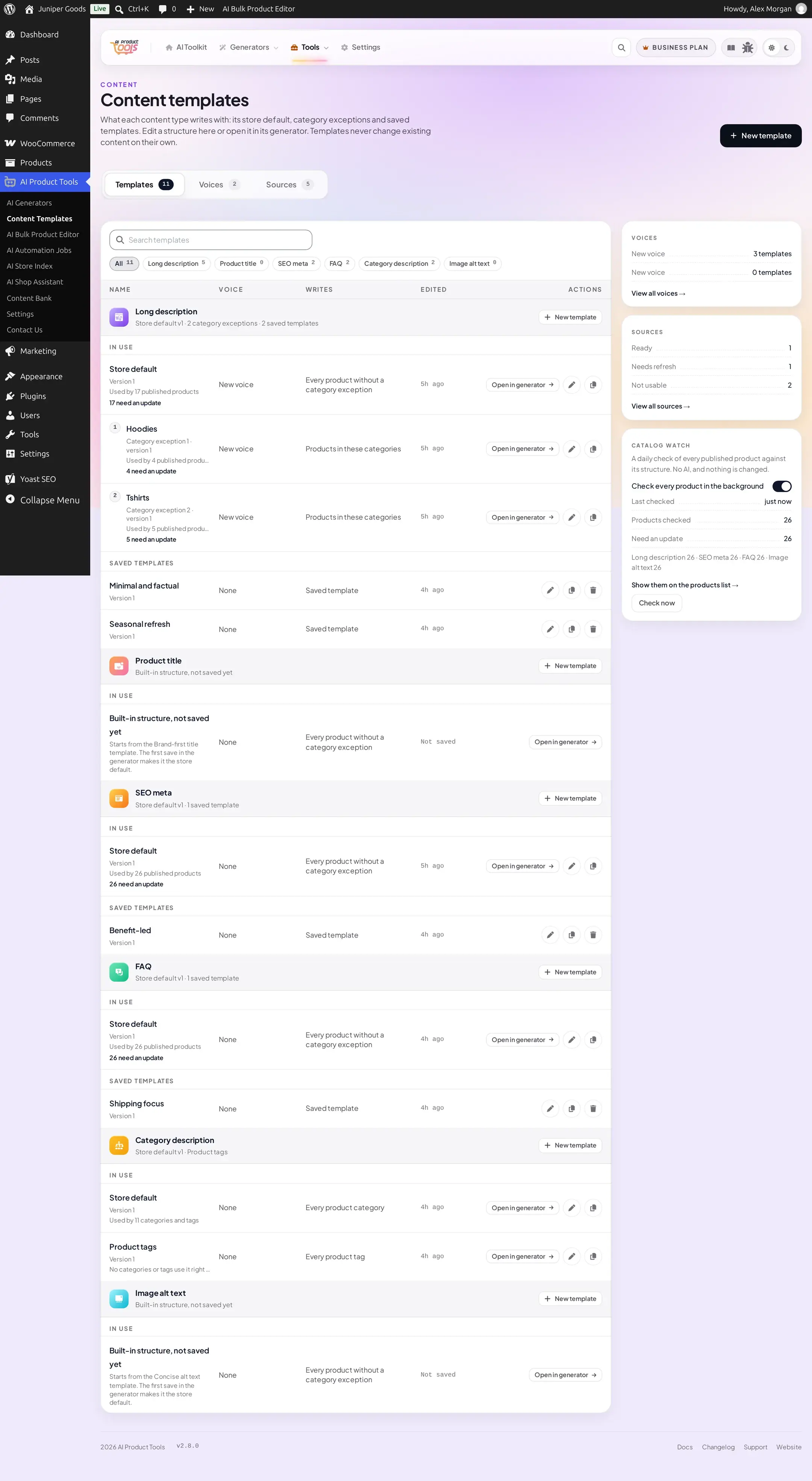
Click Show them on the products list to open the regular WooCommerce Products list, filtered to exactly the flagged products.
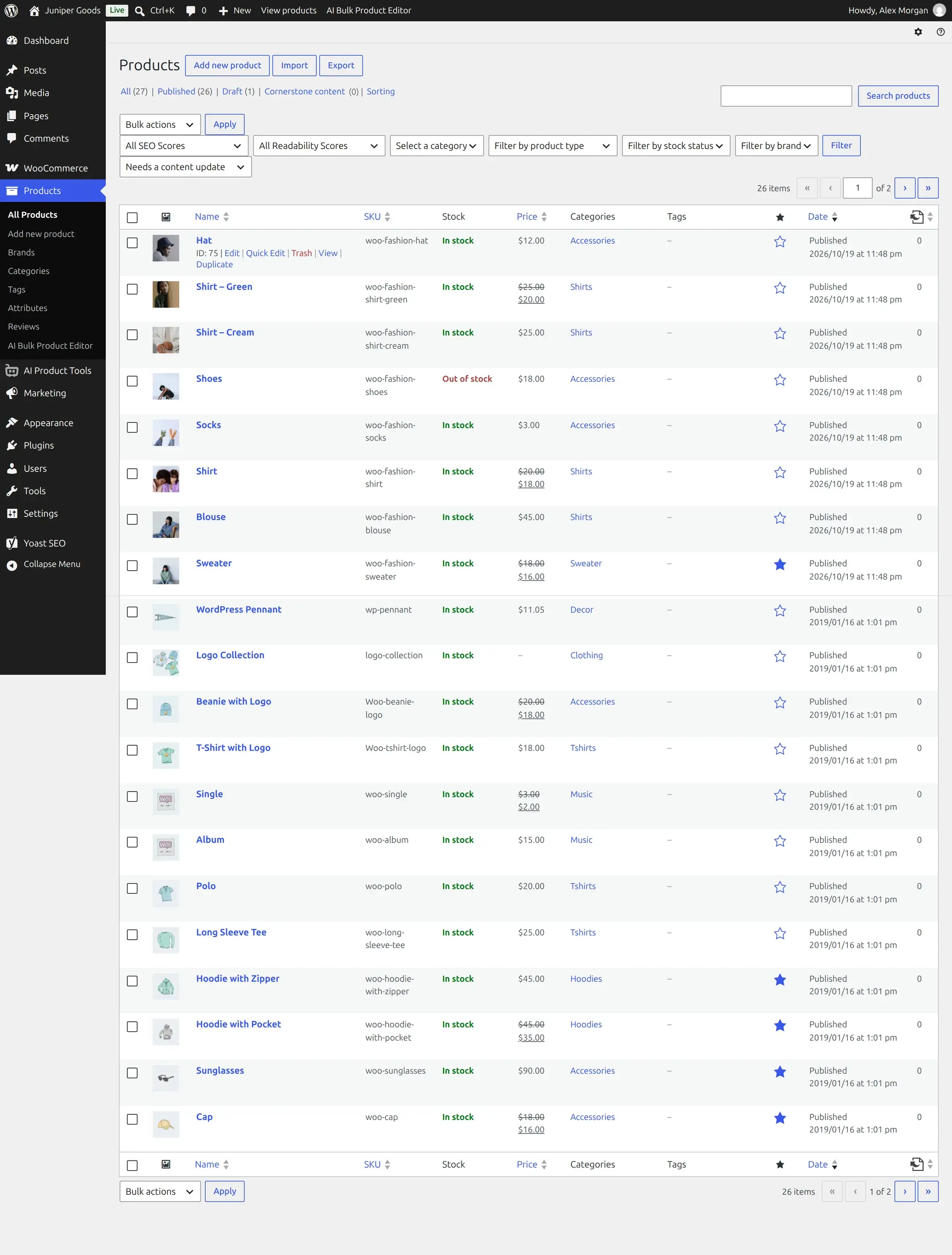
A product and content type counts as needing an update for one of three reasons: a real warning-level finding (the same pre-flight checks tab 2 runs), the content predating the structure's current version, or a category-exception conflict. An unknown or merely informational finding never counts, so a product that was simply never generated does not automatically show up just because it differs from the built-in default.
How the sweep runs
Catalog watch runs on the plugin's existing background job system (Action Scheduler), in batches of 50 products, starting from 03:00 UTC plus a small per-site offset. A full sweep (every published product) runs at least once a week, and also on the very first run, on Check now, or whenever structures, assignments, voices, or a content type's switch between the content structure and Custom prompts (Advanced) have changed since the last full sweep. Between full sweeps, it runs incrementally: only products saved or snapshotted since the last sweep, plus anything already flagged.
Free vs Business
| Capability | Free | Business |
|---|---|---|
| Catalog watch | A teaser card explaining what it adds; no background checks, no server calls | Daily check, Check now, products-list filter |