Customer Reviews and Comparisons
Two Business-only description sections built from your own store data: a review summary and a side-by-side comparison table.
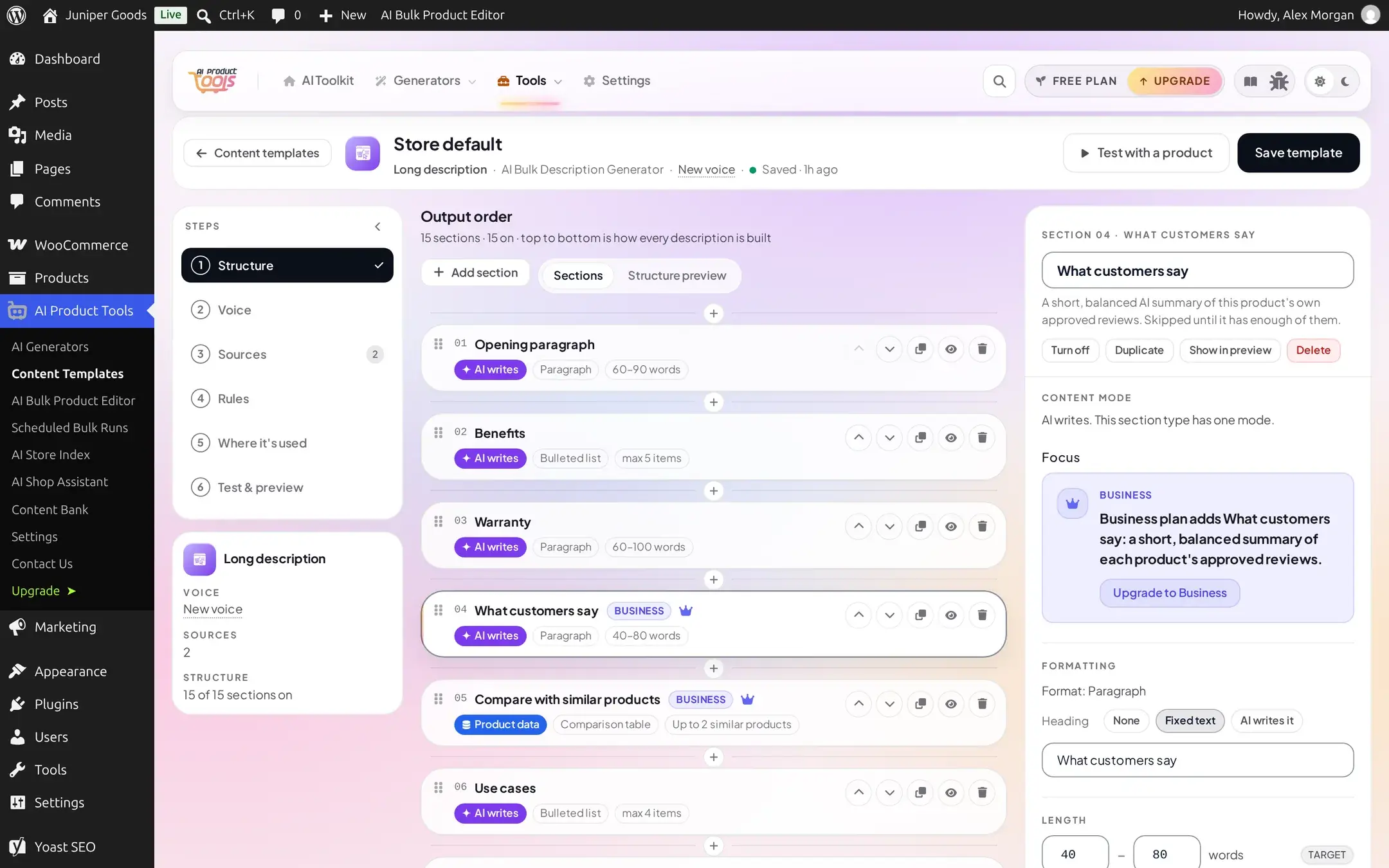
Business What customers say and Compare with similar products are two Long description section types built entirely from your own store's data. Neither is included in any starter template; add them from the section library the same way you add any other section. See Sections for where these two fit among every other section type.
Before you start
- A Business plan.
- For "What customers say": at least one product with at least 3 approved, top-level WooCommerce reviews (reviews must also be enabled for that product).
- For "Compare with similar products": at least one other product that shares a category (or is set as an upsell).
What customers say
This section asks the AI for a short, balanced summary of a product's own approved reviews, nothing else. It always makes its own, separate AI call, which never shares a completion with any other section on the page, so review text can never leak into another section, a picker, a condition, or a source. Using it on a qualifying product costs one extra AI request per product, on top of the description's own request.
Add the section
Open the Description structure, + Add section, and choose What customers say from the section library (it sits at the end of the common group, since the Library is the only place to discover it).
Leave it as AI-only
It has one content mode, AI writes, and its own sensible defaults for length and heading; there is nothing else required to configure.
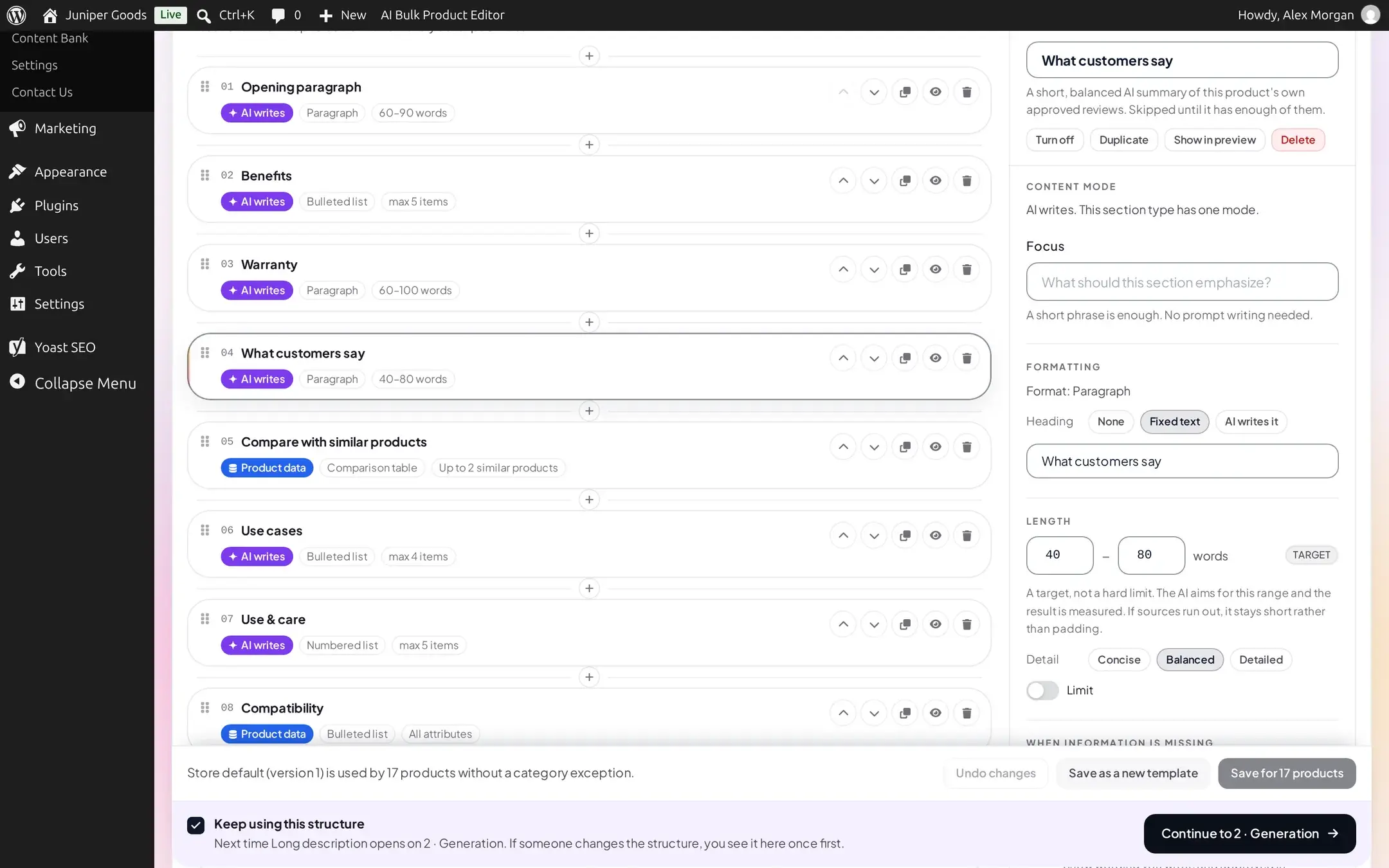
Save, then generate on a qualifying product
Run the Description generator (or Try it on a product) on a product with at least 3 approved, top-level reviews. The section is skipped for every other product until they earn enough reviews of their own.
A reviewer's name or email is never read into anything else in the editor or the engine: it is never offered as a pickable field, a section's data source, or a condition's value.
Compare with similar products
This section builds a comparison table against up to two similar products from your own store. It makes no AI call at all; every cell is copied straight from product data, with the same rule against never inventing, rounding or rewording anything that applies to every data section.
Add the section
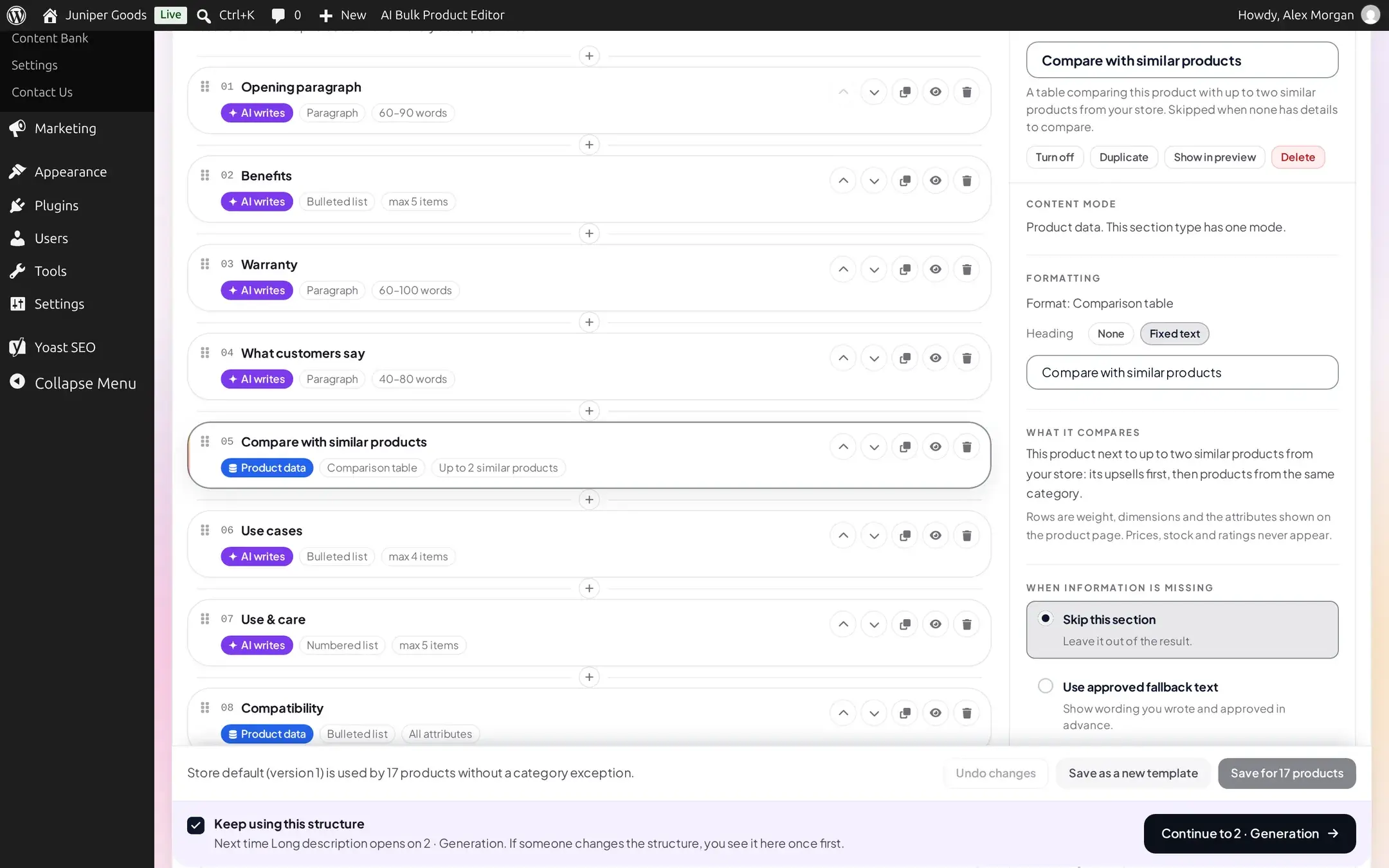
+ Add section > Compare with similar products. Its only content mode is Data, with one reserved format, Comparison table.
Review what it compares
The inspector's What it compares note explains the exact rule: this product next to up to two similar products, upsells first, then the most specific shared category. Rows are weight, dimensions, and the attributes shown on the product page (dimensions are left out if your store's own dimensions display setting hides them). Price, stock and rating never appear. Rows that differ between products are shown first.
Set upsells or share a category for a real comparison
To control exactly which products a given product compares against, set them as that product's Upsells (Product data > Linked Products). Without an upsell set, the section falls back to same-category products automatically.
On a multilingual store (WPML or Polylang), this section only compares products that share the same language code.
Free vs Business
| Capability | Free | Business |
|---|---|---|
| Both section types | Not offered in the section library | Available |
| A previously saved section after a downgrade | Skipped, badged Business, Focus and Fixed-text fields never shown live | Runs normally |
If you add either section while on Business and later move to Free, the section itself stays in your saved structure: the editor still shows it, badged Business, but it is skipped at generation time and the store default's other sections are unaffected.