
History and safety
Control how many AI-written versions the plugin keeps per product field, and how to clear every product's AI-processed mark.
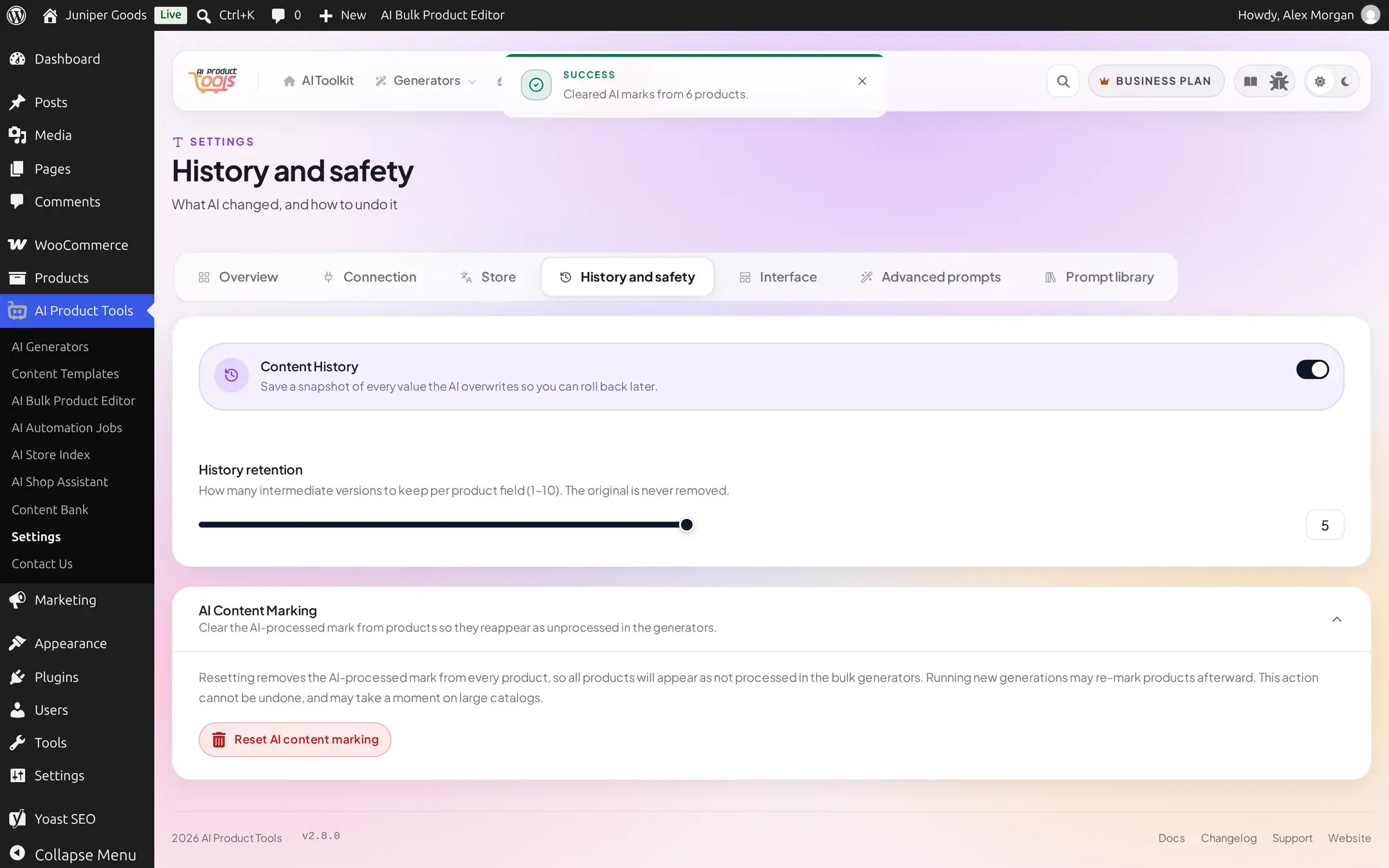
The History and safety cluster (AI Product Tools > Settings > History and safety) controls Content History, the snapshot system behind one-click restore, and holds the one genuinely irreversible action on the whole Settings page.
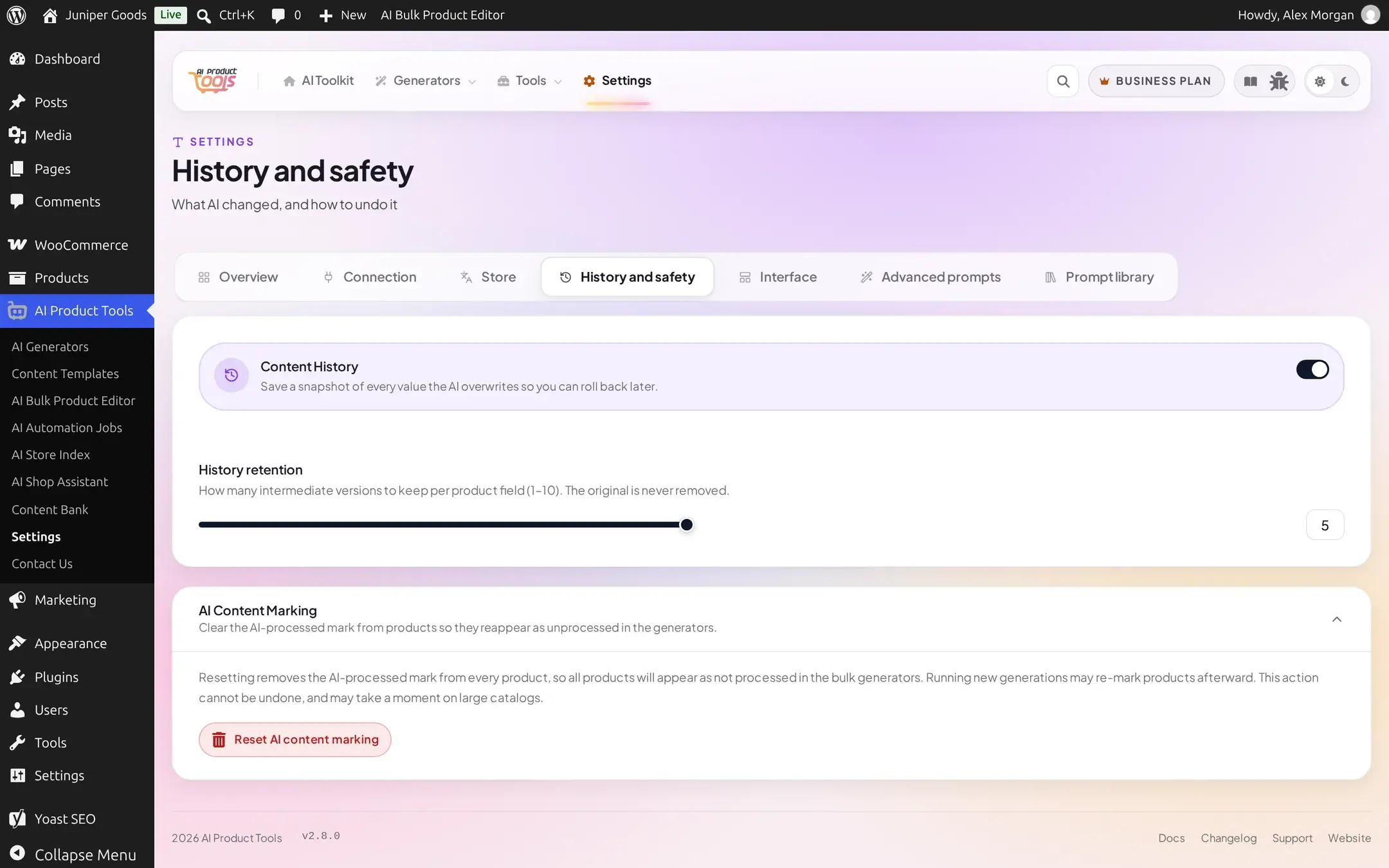
Content History
A toggle, default on, that records a snapshot of every value the AI overwrites so you can roll it back later. Recording history is universal; it works the same regardless of plan.
Turning Content History off asks for no confirmation. There is nothing extra to warn you about losing, since restoring from history is not part of the Free plan.
Turning Content History off while your account has rollback access shows a confirmation first, titled "Turn off Content History?", warning that rollback will not protect new edits while history is off (past snapshots already recorded stay fully restorable either way).
Turning this off never deletes snapshots already recorded; it only stops recording new ones.
History retention
A slider, range 1 to 10, default 5, sets how many intermediate versions the plugin keeps per product field. The original value (from before any AI ever touched that field) is never removed, no matter how low you set this.
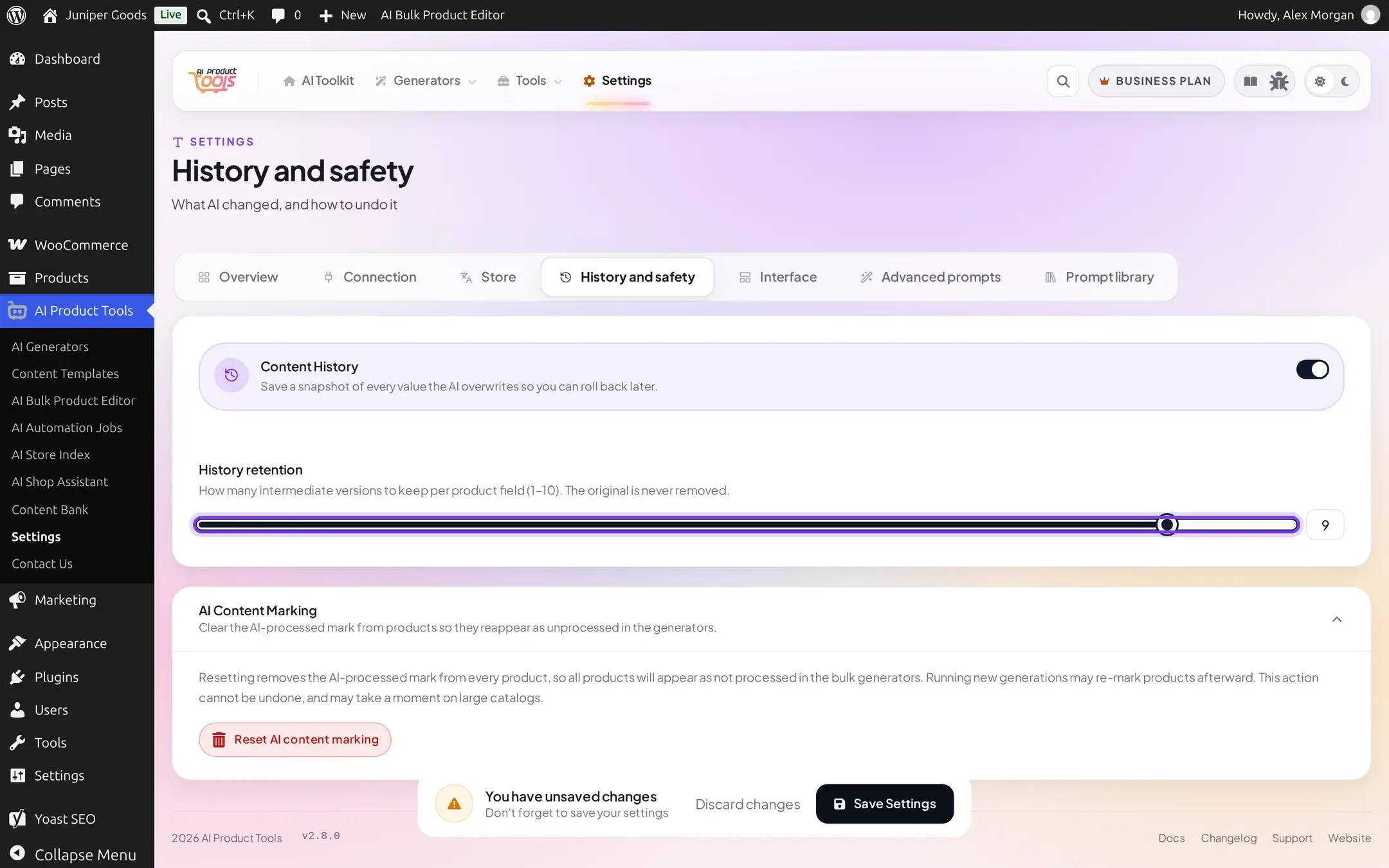
This control is greyed out whenever Content History itself is off above.
AI Content Marking
A collapsible card, expanded by default, visible only to real administrators (the same restriction as Shop Manager access: an opted-in Shop Manager never sees this card). It clears the "AI-processed" flag from every product in your catalog at once, so the bulk generators treat the whole store as unprocessed again.
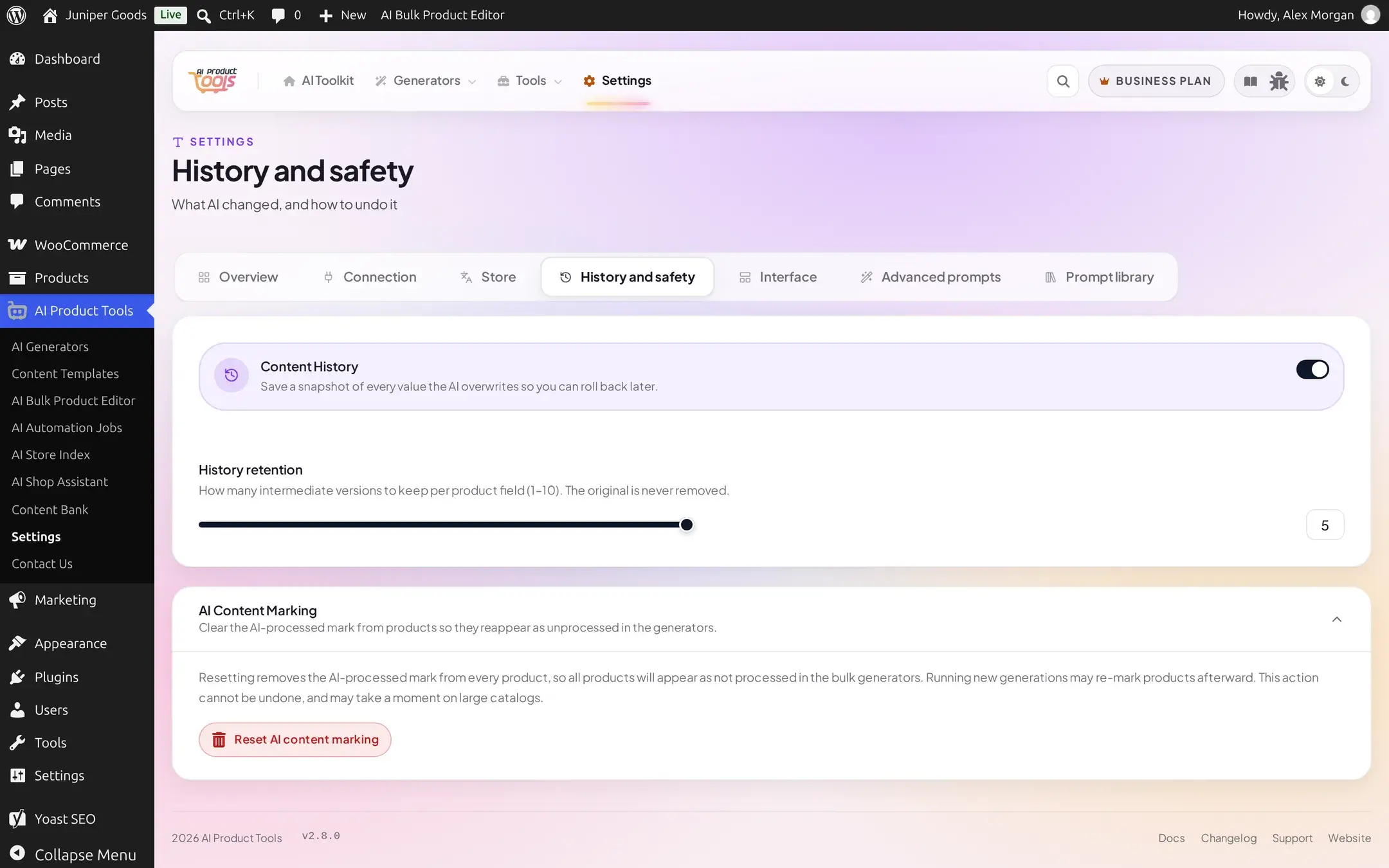
This cannot be undone
Resetting removes the AI-processed mark from every product immediately. Running new generations afterward can re-mark products as they are processed again, but the reset itself has no undo and no connection to Content History's own snapshots.
Click Reset AI content marking
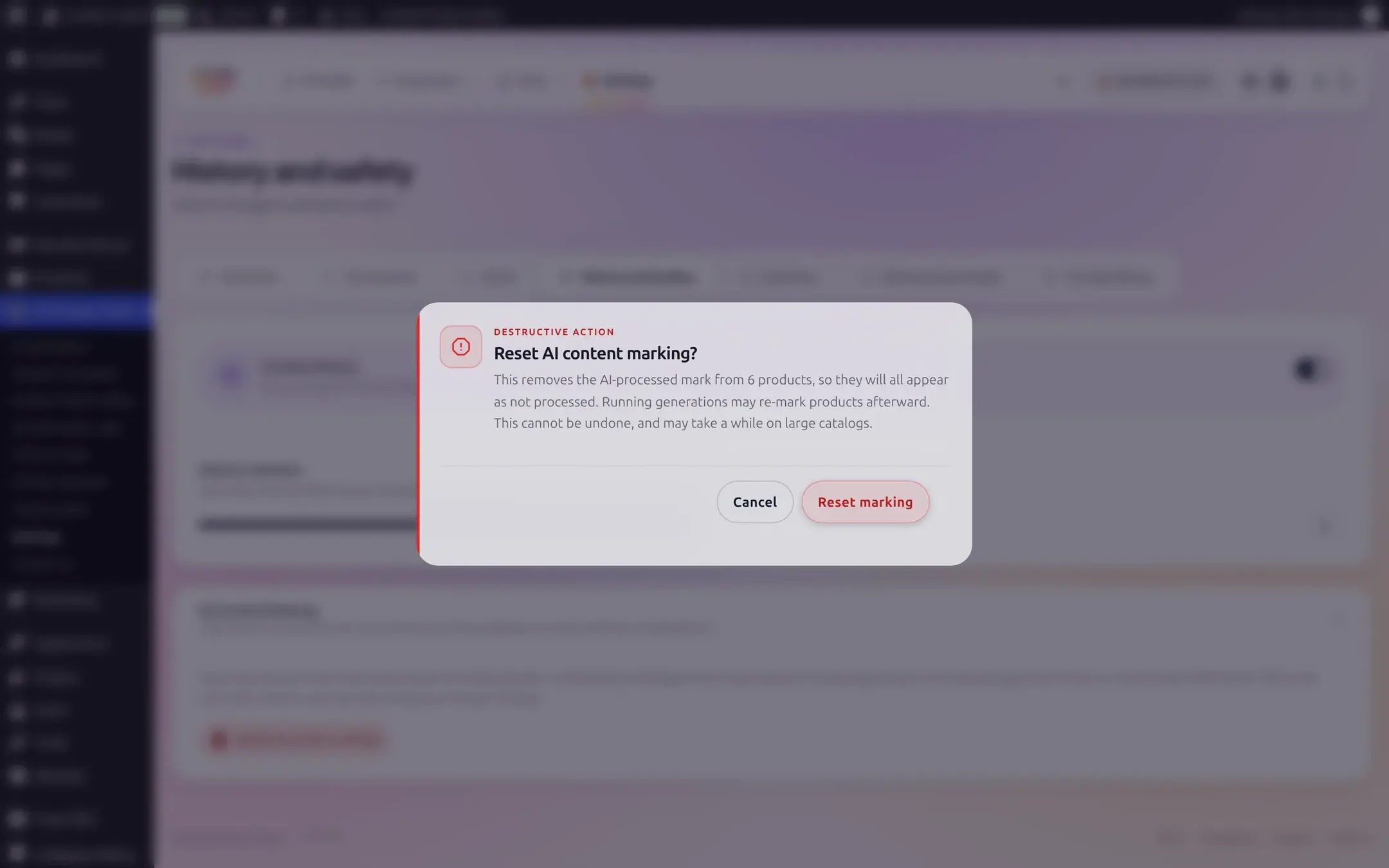
The button fetches the live count of currently marked products before showing anything, so the confirmation always states a real, current number.
Confirm the exact count
The dialog states precisely how many products are affected before you commit:
Done
A success toast confirms how many products were actually cleared:
Why you might use this: the "AI-processed" mark is what lets a bulk generator or an automation job skip products it already wrote, via a "skip already processed" option. If you want the next run to reconsider the entire catalog from scratch, perhaps after a big manual cleanup, this is the reset for that, rather than editing products one at a time.
Reference
| Setting | What it does | Default / limits | Plan |
|---|---|---|---|
| Content History | Save a snapshot of every AI overwrite so it can be restored later | On | Free (recording). Business restores from the snapshots it records. |
| History retention | How many intermediate versions to keep per product field | 1 to 10, default 5 | Free |
| Reset AI content marking | Clears the AI-processed flag from every product at once | Admin-only, irreversible | Free |
Free vs Business
Content History recording, its retention slider, and the AI Content Marking reset are all fully available. What is not available is one-click restore from a recorded snapshot; that action lives in the Content Bank, not here, and shows as a locked, upsell control on Free rather than hiding entirely.
Everything on Free, plus the ability to actually restore a product field from a recorded snapshot in the Content Bank, and the extra confirmation step when turning Content History off (since there is now something concrete to warn you about losing for new edits).