
Free vs Business
The exact Free vs Business comparison, what a Free account sees instead of a locked feature, legacy Pro, upgrading, and what happens if you downgrade.
AI Product Tools sells two plans today: Free and Business. There is no usage metering on either plan: the plugin is bring-your-own-key, so your AI costs are always billed by your provider (OpenAI, Gemini, Claude, or OpenRouter), never by AI Product Tools itself.
What about "Pro"?
Pro is a legacy tier. It is no longer sold, but an existing Pro subscriber keeps every Pro-tier feature working; see Legacy Pro and grandfathering below.
The comparison
Click your plan badge's Upgrade button in the app bar on any plugin page to see this table live, with your current pricing.
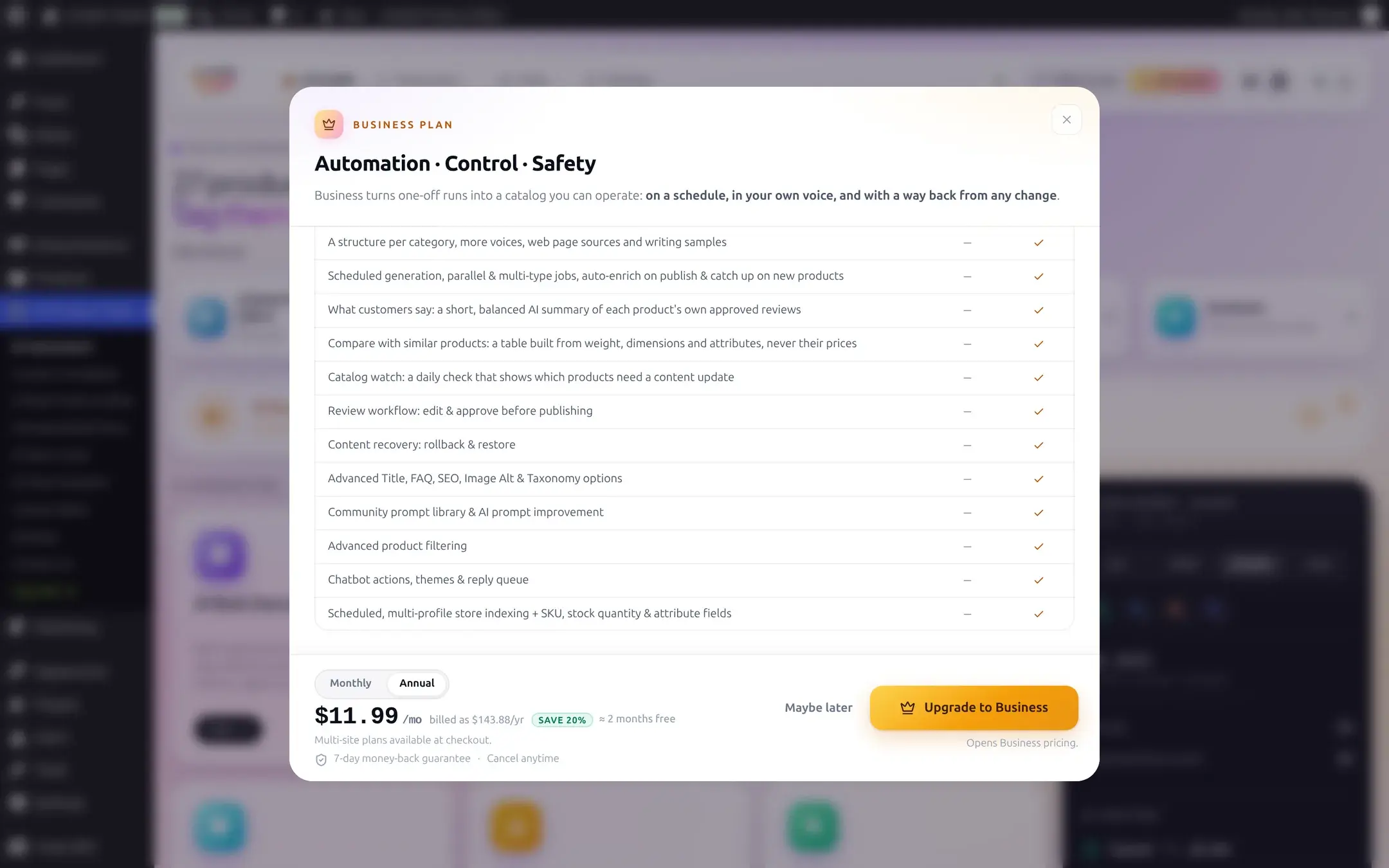
| Capability | Free | Business |
|---|---|---|
| Bulk AI generation (descriptions, titles, FAQ, SEO meta, alt text, taxonomy) | Yes | Yes |
| Content structure for every content type (sections, rules, a voice, try on a product) | Yes | Yes |
| AI Bulk Product Editor grid† | Yes | Yes |
| Bring your own keys, no metering | Yes | Yes |
| A structure per category, more than one voice, web page sources, writing samples | No | Yes |
| Scheduled generation, parallel and multi-type jobs, auto-run on publish, catch up on new products | No | Yes |
| "What customers say" (a short AI summary of a product's own approved reviews) | No | Yes |
| "Compare with similar products" (a table built from weight, dimensions, and attributes) | No | Yes |
| Catalog watch (a daily check for products that drifted from your structure) | No | Yes |
| Review workflow: edit and approve generated content before it publishes | No | Yes* |
| Content recovery: one-click rollback and restore from Content Bank | No | Yes |
| Advanced Title, FAQ, SEO Meta, Image Alt, and Category description options | No | Yes |
| Community prompt library, advanced job filtering, extra chatbot behavior, scheduled multi-profile Store Index | No | Yes |
* A site that ran AI Product Tools before version 2.7.2 keeps the review queue on Free too; see grandfathering below.
† Free covers the grid itself and generating one row at a time in it. Running AI across several selected rows at once there ("AI Bulk Actions") is Business-only.
A single-row limit also applies on Free: one automation job and one content type per job. Business removes both caps. See Automation for details.
What a Free account sees instead
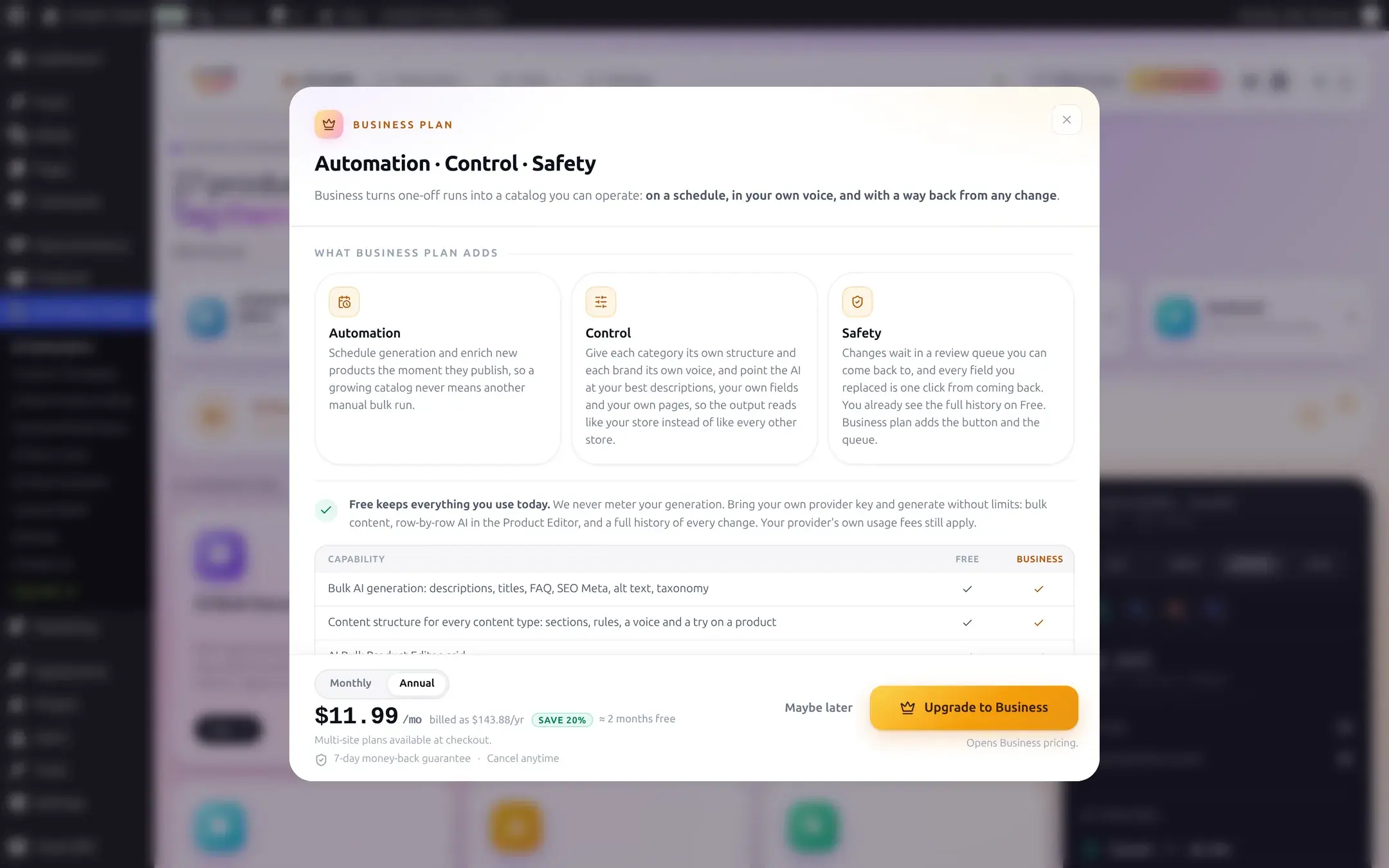
AI Product Tools never hides an entire tool behind the plan: every generator card is visible and usable on Free. A Business-only capability inside a tool, like scheduling or a review queue, is presented as a teaser the first time you reach it, and a Business-only text field (for example a generator's extra custom-prompt box) still renders and can be read, but a save silently keeps its old value and the save confirmation tells you that field was skipped rather than falsely saying everything saved.
Clicking anything Business-only, including the plan badge's own up-arrow button, opens the same Upgrade modal:

Thank you, Business partner

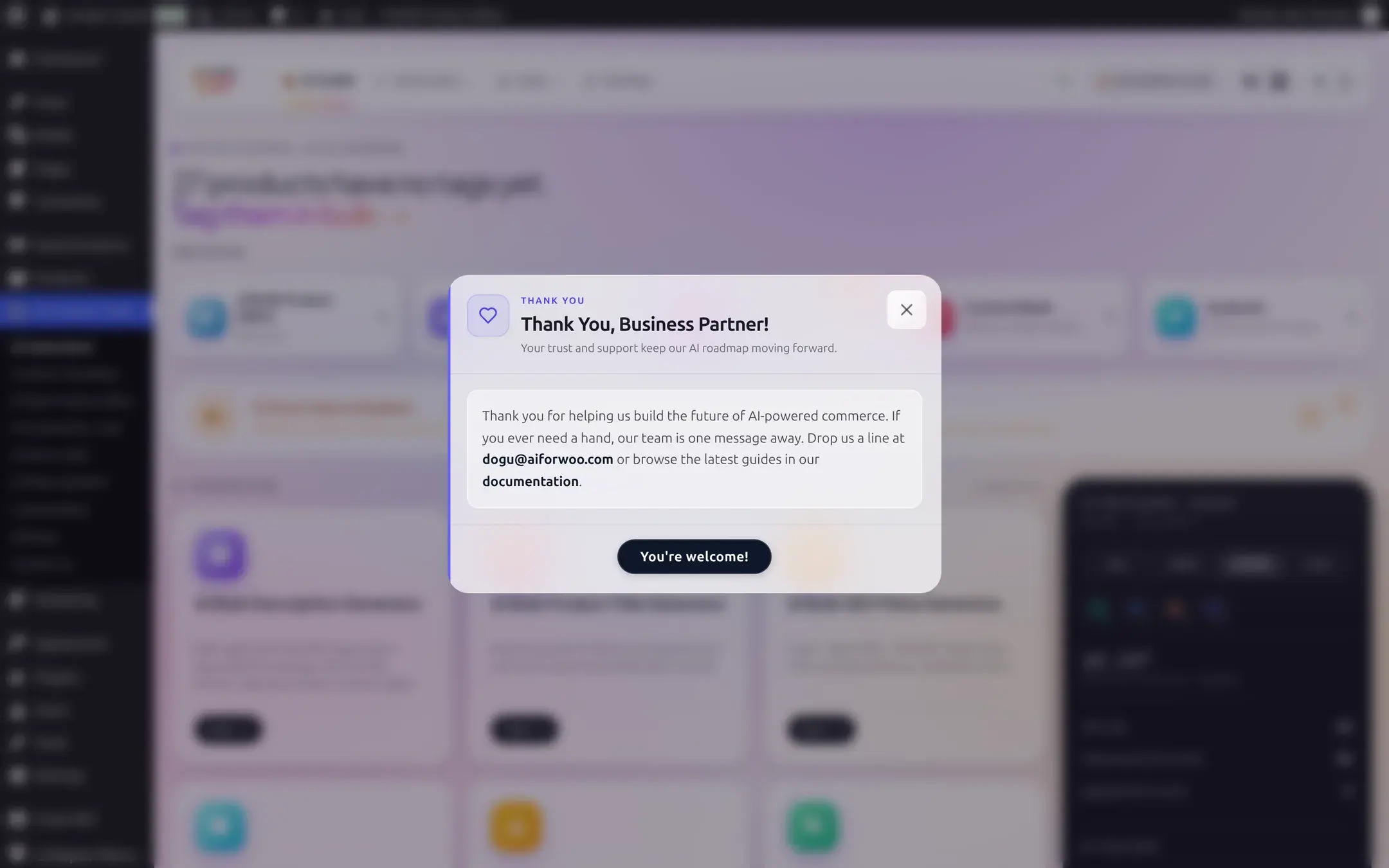
On Business, clicking the plan badge opens a short appreciation message instead of an upsell:
Legacy Pro and grandfathering
Two separate things affect what an older site keeps, and they are easy to confuse:
- Legacy Pro: if you already hold a Pro license, every feature Pro unlocked keeps working. Pro is simply not offered to new customers; the Upgrade modal and pricing page only pitch Business now.
- Grandfathering: a site that was already running AI Product Tools before version 2.7.2 keeps the saved review queue and Draft Content access on the Free plan, stamped permanently the first time that site ran the 2.7.2 database update. A brand-new Free install does not get this; it is specifically for sites that upgraded through that version.
Both are about what you keep, not something you can newly opt into today.
How to upgrade
Click Upgrade to Business in the Upgrade modal (reachable from the plan badge on any plugin page). This opens Freemius checkout at AI Product Tools > Upgrade, outside of this site, where you choose monthly or annual billing and pay. Multi-site plans are available at checkout.
License and account
Once you hold a Business (or legacy Pro) license, AI Product Tools > Account shows your license status and lets you manage billing, invoices, and your seats; this screen is rendered entirely by Freemius, the plugin's licensing provider, not by AI Product Tools itself. On the Settings page, the License card's Manage account link opens the same place.
Not shown here
The Account page requires a live connection to Freemius to render, so it cannot be captured for this guide offline. Expect a standard account/billing screen: current plan, renewal date, invoices, and a way to change or cancel your subscription.
If you downgrade
Nothing saved is ever deleted when a Business subscription lapses or is cancelled. Your content structures, templates, Content History, and everything you have already generated stay exactly as they are and remain readable. A downgrade only does two things: it stops any Business-only background work going forward (scheduled runs, auto-run on publish, catalog watch's daily check), and it hides Business-only controls in the UI again. Nothing you built on Business disappears; you simply stop being able to add to it with Business-only tools until you resubscribe.
Reference
| Question | Answer |
|---|---|
| Does Free meter generations? | No. There is no credit balance or allowance anywhere in the plugin. Every plan bills zero from AI Product Tools; your provider bills you for the tokens you use. |
| Money-back guarantee | 7 days, shown on the Upgrade modal's pricing footer. |
| Can I run more than one automation job on Free? | No, Free caps automation at one job with one content type. Business removes both limits. |
| Does the plan affect which AI providers I can use? | No. All four providers, every model, and custom OpenRouter model IDs are available on Free. |
Troubleshooting
Dashboard
Tour the AI Generators page: the app bar, generator cards, Recent activity, usage, catalog coverage, the command palette, and the admin menu.
User roles and permissions
Which WordPress roles can see the AI Generators page, use the generators, and open Settings, and how to let a Shop Manager configure the plugin.