
Filters and Schedules
Every schedule type, automatic trigger, and product filter a job can use, with what Free and Business unlock.
Steps 5 and 6 of creating a job decide when it runs and which products it touches. Both are reference-heavy, so they get their own page; this covers every field, not just the ones you will use on day one.
Schedule
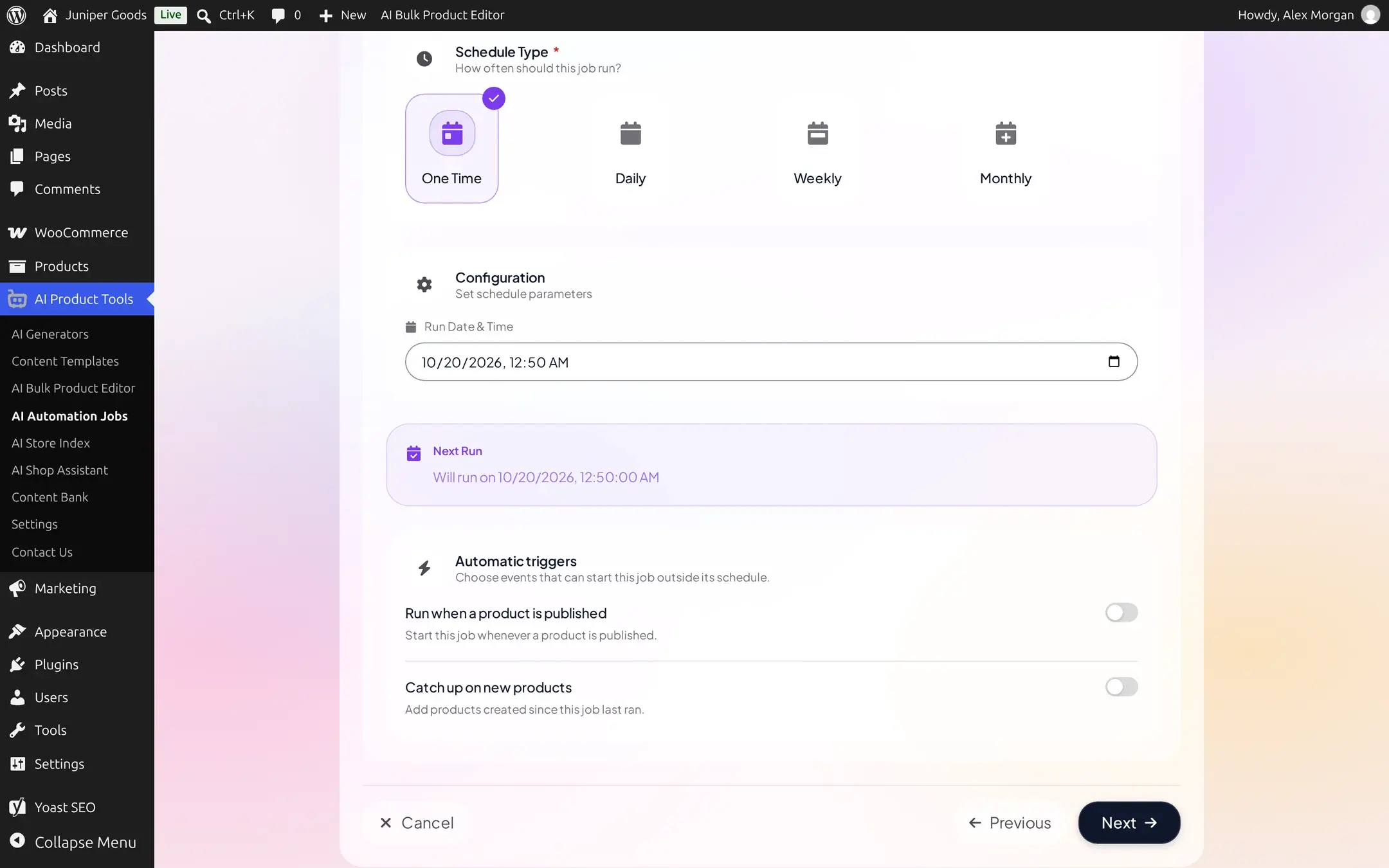
| Schedule type | What it needs | Plan |
|---|---|---|
| One Time | A Run Date & Time (defaults to about 2 minutes from now; a past date shows a warning) | Free, Business |
| Daily | A time of day | Business |
| Weekly | A time of day and a day of the week | Business |
| Monthly | A time of day and a day of the month (1 to 31; a short month runs on its last day instead) | Business |
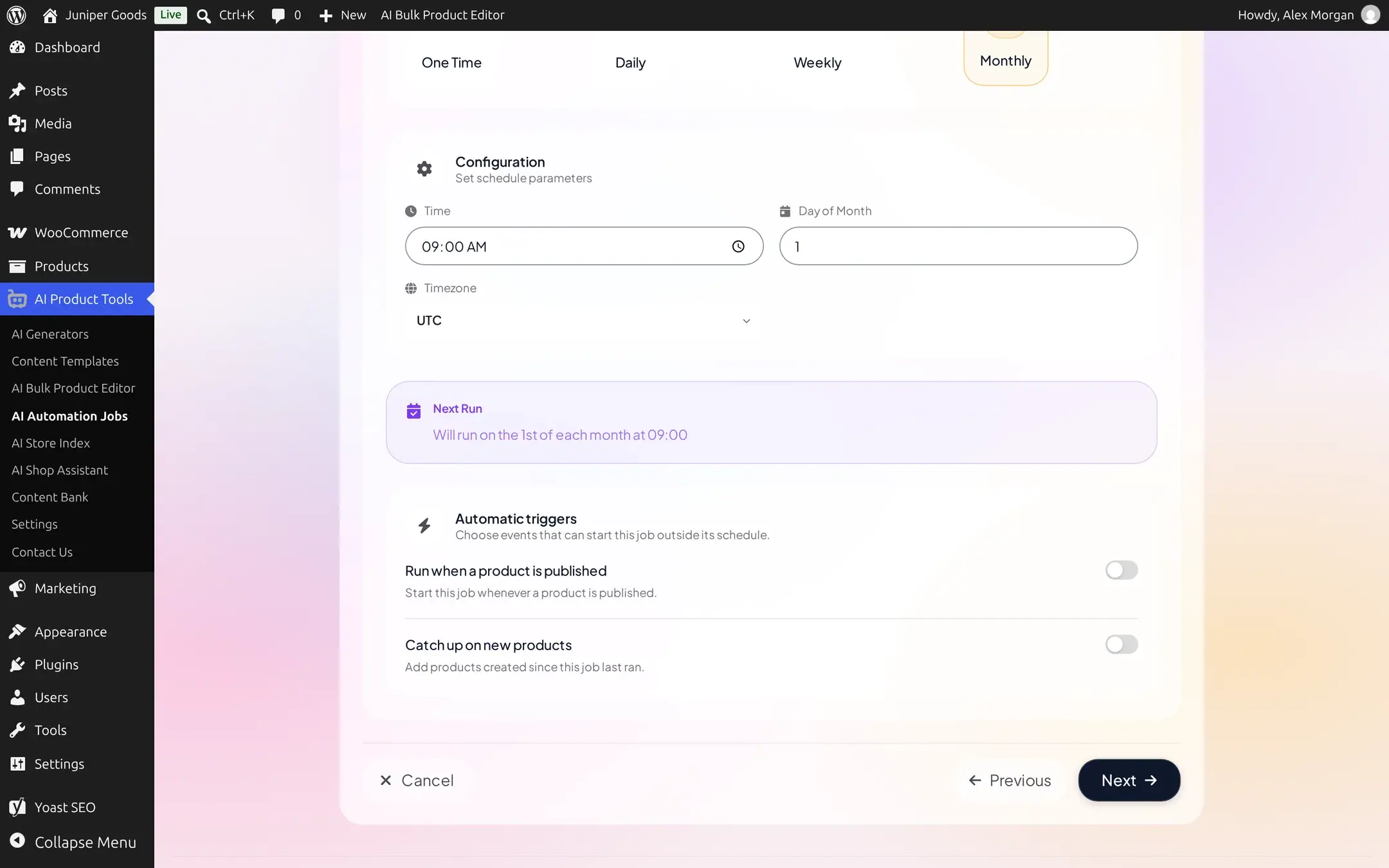
The Timezone field only offers UTC
Daily, Weekly, and Monthly all show a Timezone dropdown, but it currently lists only UTC. There is no way to run a recurring job on your site's own local time yet; plan the time of day with that in mind. Next Run always previews the actual computed time so you can check it before creating the job.
Free keeps a downgraded job's existing cadence
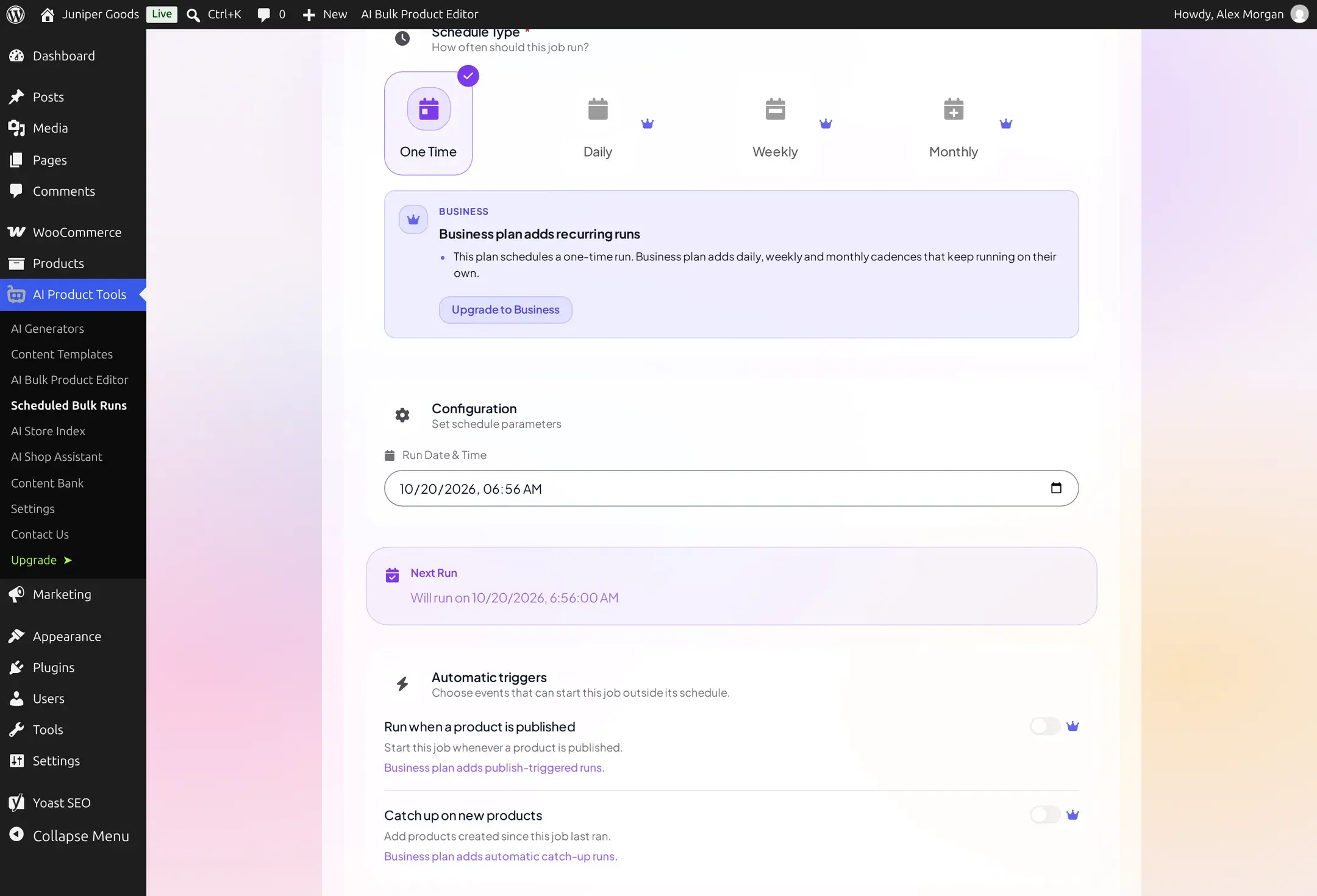
Daily, Weekly, and Monthly are locked on Free for a new job. A recurring job created while the site held Business keeps running on its original cadence even after a downgrade; only creating a new recurring job needs Business.
Automatic triggers
BusinessBelow the schedule, two toggles let a job start outside its own cadence:
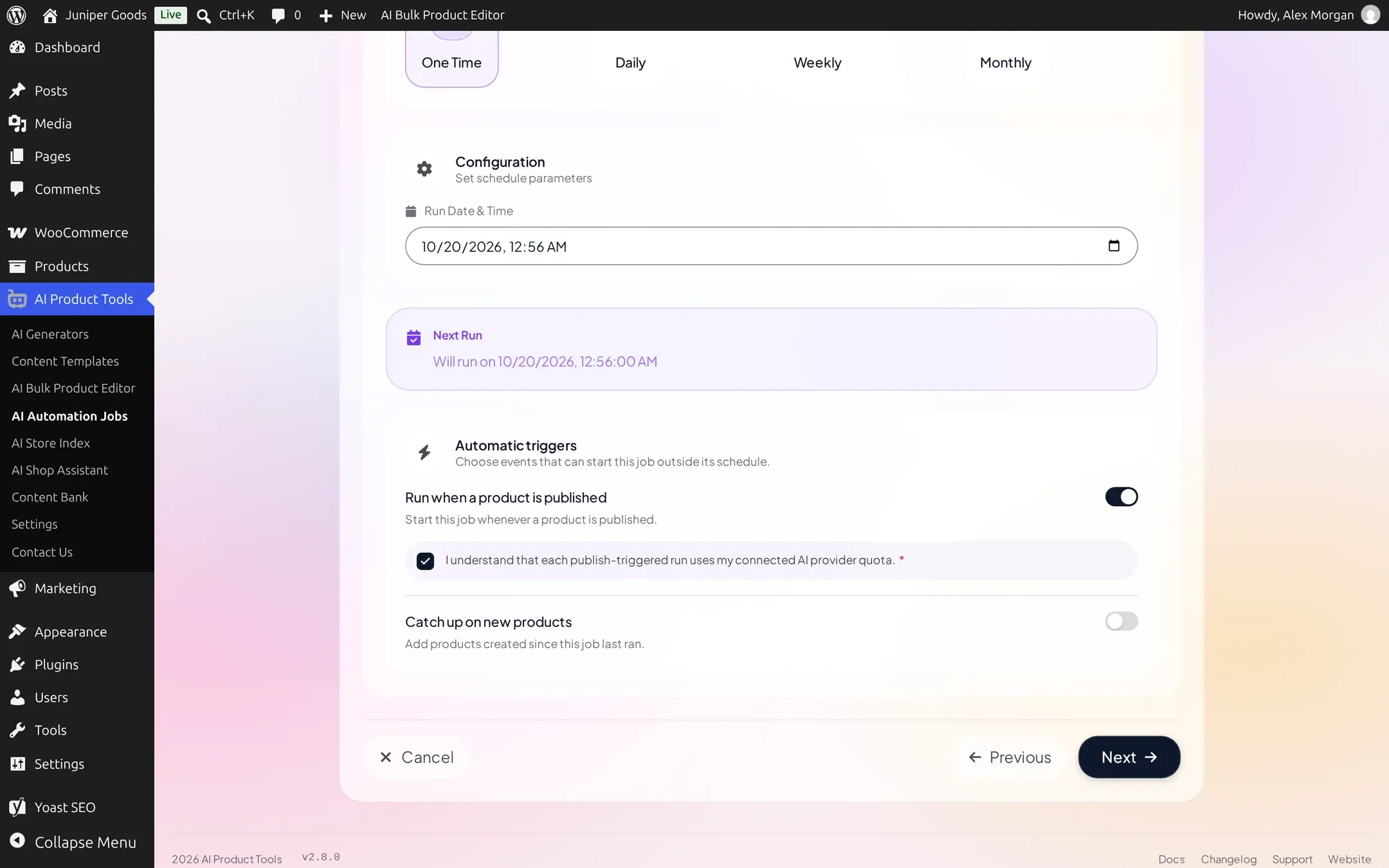
- Run when a product is published: enqueues the newly published product into this job as soon as it goes live.
- Catch up on new products: periodically adds any product created since the job last ran, so the job does not need a fresh Product Filter run to notice new catalog items.
Turning either one on reveals a checkbox you must also check, naming that trigger's own quota use: "I understand that each publish-triggered run uses my connected AI provider quota." for Run when a product is published, or "I understand that each catch-up run uses my connected AI provider quota." for Catch up on new products. Nothing is enqueued until both the toggle and its acknowledgement are set. Both triggers also come with a protection against a dead or rate-limited provider quietly burning through every new product; see Reviewing output and staying safe.
On Free, both toggles show locked with "Business plan adds publish-triggered runs." and "Business plan adds automatic catch-up runs."; a banner below them adds that Business also adds a mandatory review step for triggered jobs and lets a job catch up on new products.
Product Filter
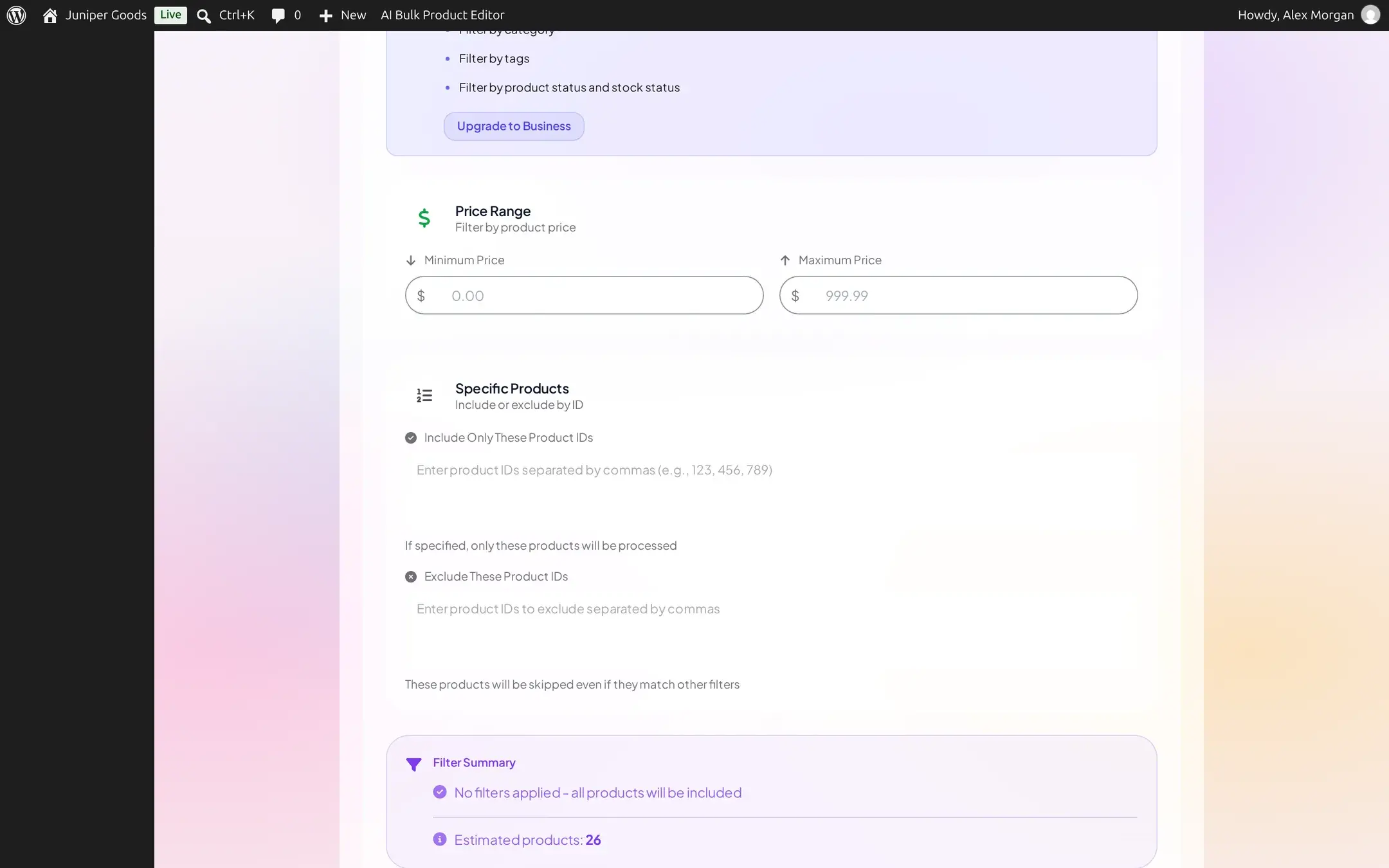
Every field left blank matches every product; add only the filters you need. A Filter Summary and an estimated product count update live as you change them.
| Filter | What it does | Plan |
|---|---|---|
| Skip already-processed products | Excludes products this tool has already written to | Free, Business |
| Description Content | Targets products missing a long description, a short description, or both | Free, Business |
| Price Range | Minimum and maximum product price | Free, Business |
| Specific Products: Include Only These IDs | Only these comma-separated product IDs are processed, overriding every other filter | Free, Business |
| Specific Products: Exclude These IDs | These products are always skipped, even if they match everything else | Free, Business |
| Categories | One or more product categories | Business |
| Product Tags | One or more product tags | Business |
| Product Status | Published, Draft, Pending review, or Private; Free is always limited to Published | Business |
| Stock Status | In stock, out of stock, or on backorder | Business |