
Interface
Show or hide the AI Toolkit widget, the product-edit metabox, and whether a manual edit clears a field's AI mark.
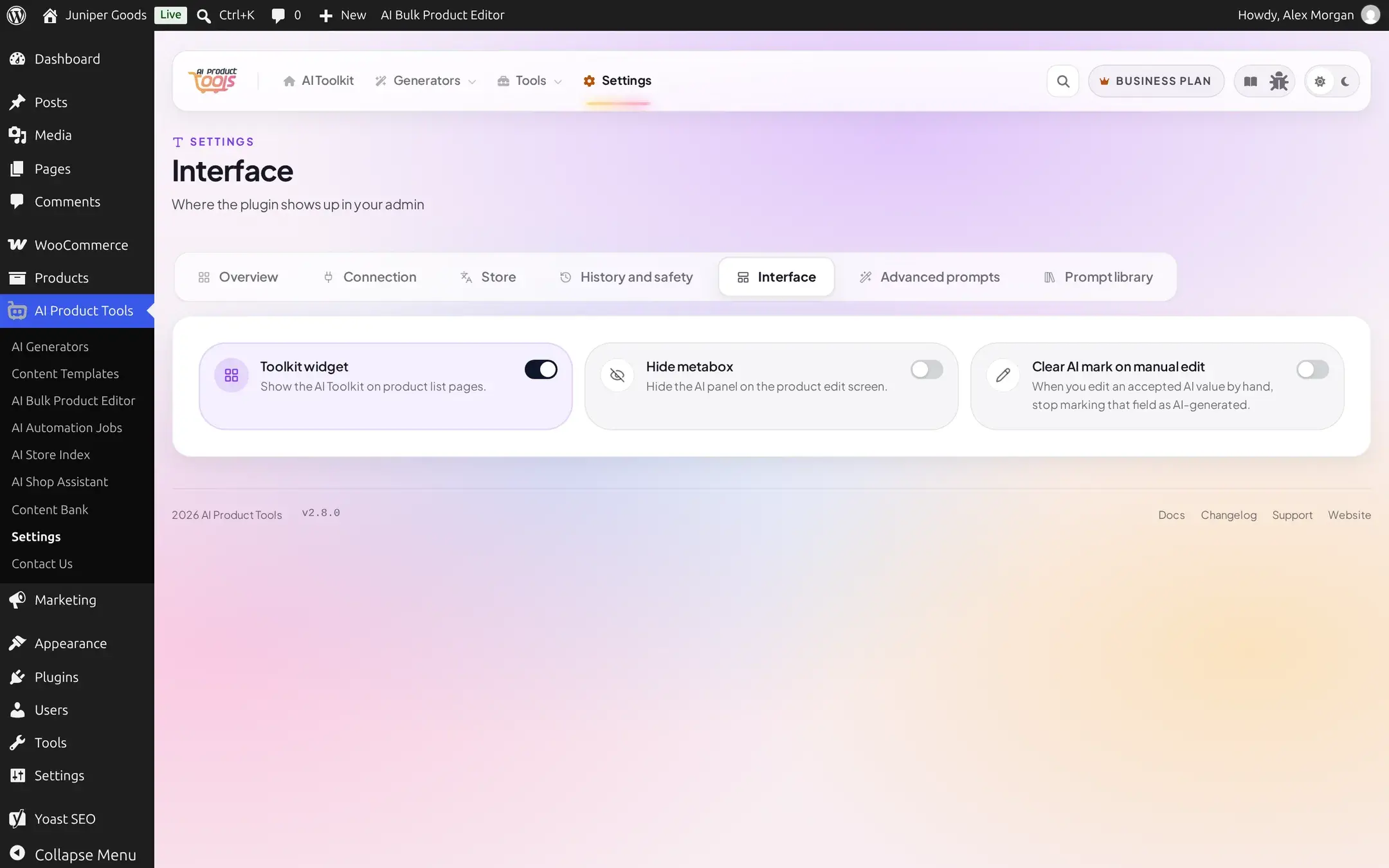
The Interface cluster (AI Product Tools > Settings > Interface) controls three small pieces of where and how the plugin shows up elsewhere in wp-admin. All three are available on Free.
Reference
| Setting | What it does | Default | Plan |
|---|---|---|---|
| Toolkit widget | Shows the AI Toolkit widget on product list pages | On | Free |
| Hide metabox | Hides the AI panel on the product edit screen | Off | Free |
| Clear AI mark on manual edit | When you hand-edit an accepted AI value, stops marking that field as AI-generated | Off | Free |
Turning on Hide metabox does not disable AI features on a product; it only removes that panel from view, for stores that prefer a cleaner product-edit screen and drive generation entirely from the bulk generators or the Product Editor instead.
Clear AI mark on manual edit is a convenience for stores that routinely touch up AI output by hand. With it off (the default), a field stays marked "AI-generated" even after a manual tweak, which matches the plugin's own definition of a mark: provenance of the workflow, not a guarantee the live text is untouched.
Free vs Business
All three toggles are available on Free. There is no plan distinction here.